School and papers
Certificates and papers
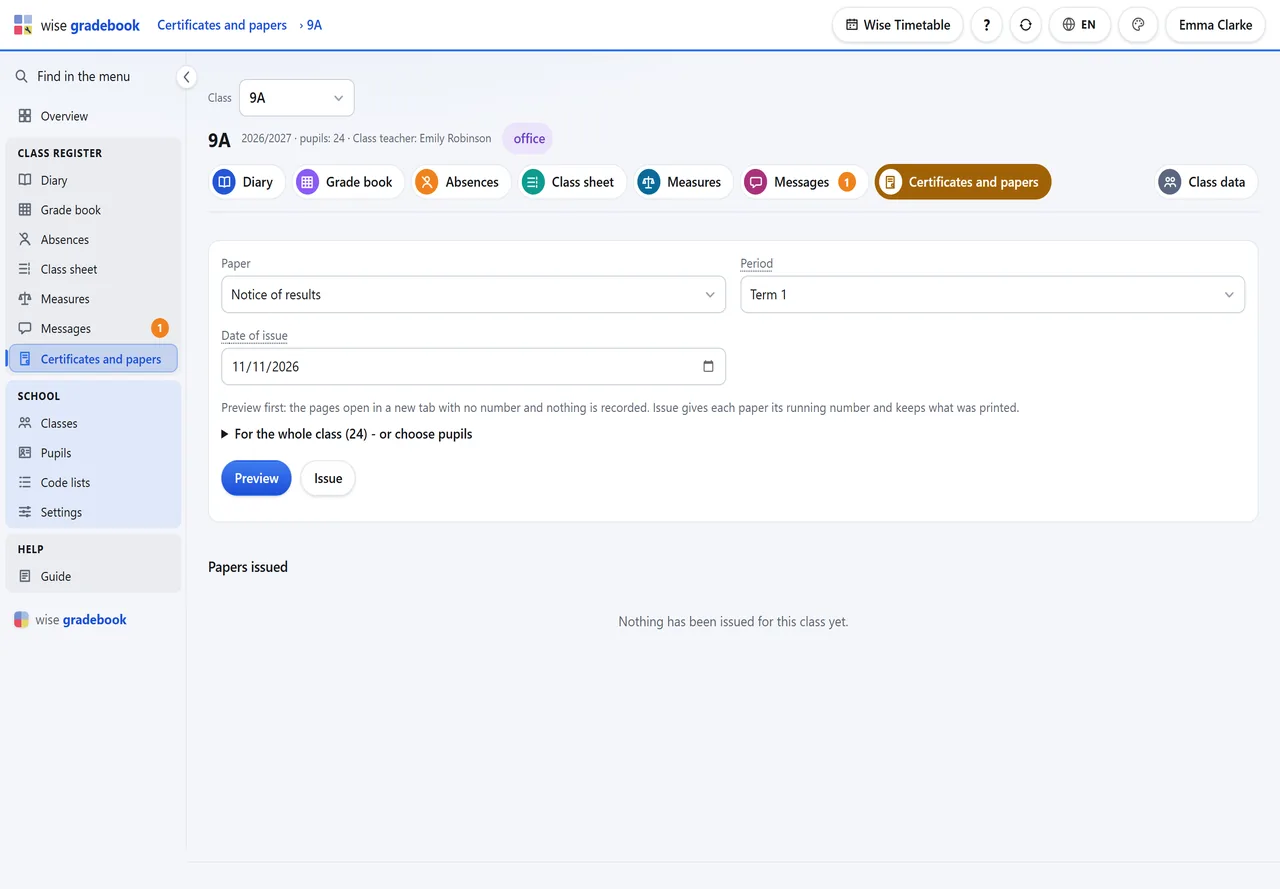
Notices of results, certificates, extracts and record sheets - previewed first, then issued with a number.
What it does
- Certificates and papers. Notices of results, certificates, extracts and record sheets: preview the whole class first, then issue with a running number. A reprint prints exactly what was issued.
How it goes
Choose the paper, the period (for a notice) and the date of issue.
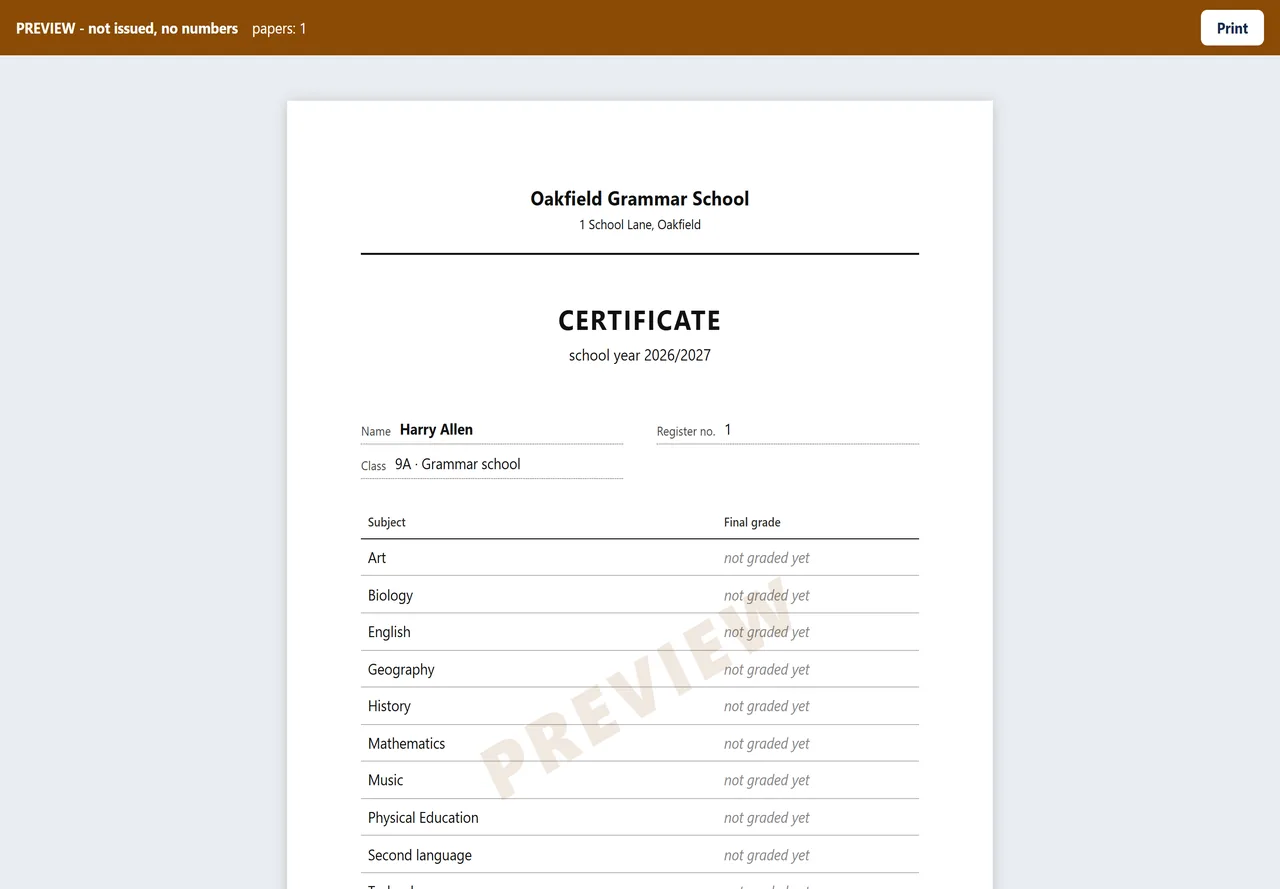
Preview opens the pages in a new tab. Nothing is numbered or recorded - look at the whole class.
Issue gives each paper its running number, keeps exactly what was printed, and opens the pages. Print with the browser's Print (or save as PDF).
Papers issued lists everything handed out. Reprint prints a paper exactly as it was issued, whatever the grade book says today.
Good to know
- Where your country prescribes its own form for a certificate, check this print against the form before the first real issue.
- A paper printed with a mistake is voided with a reason; its number is not given again.
See it with your own classes
We set it up on a copy of your timetable and walk through a week of a real class with you.