Families
Family portal
What a parent and a pupil see with the code you printed - in a browser, and in the Wise Gradebook app.
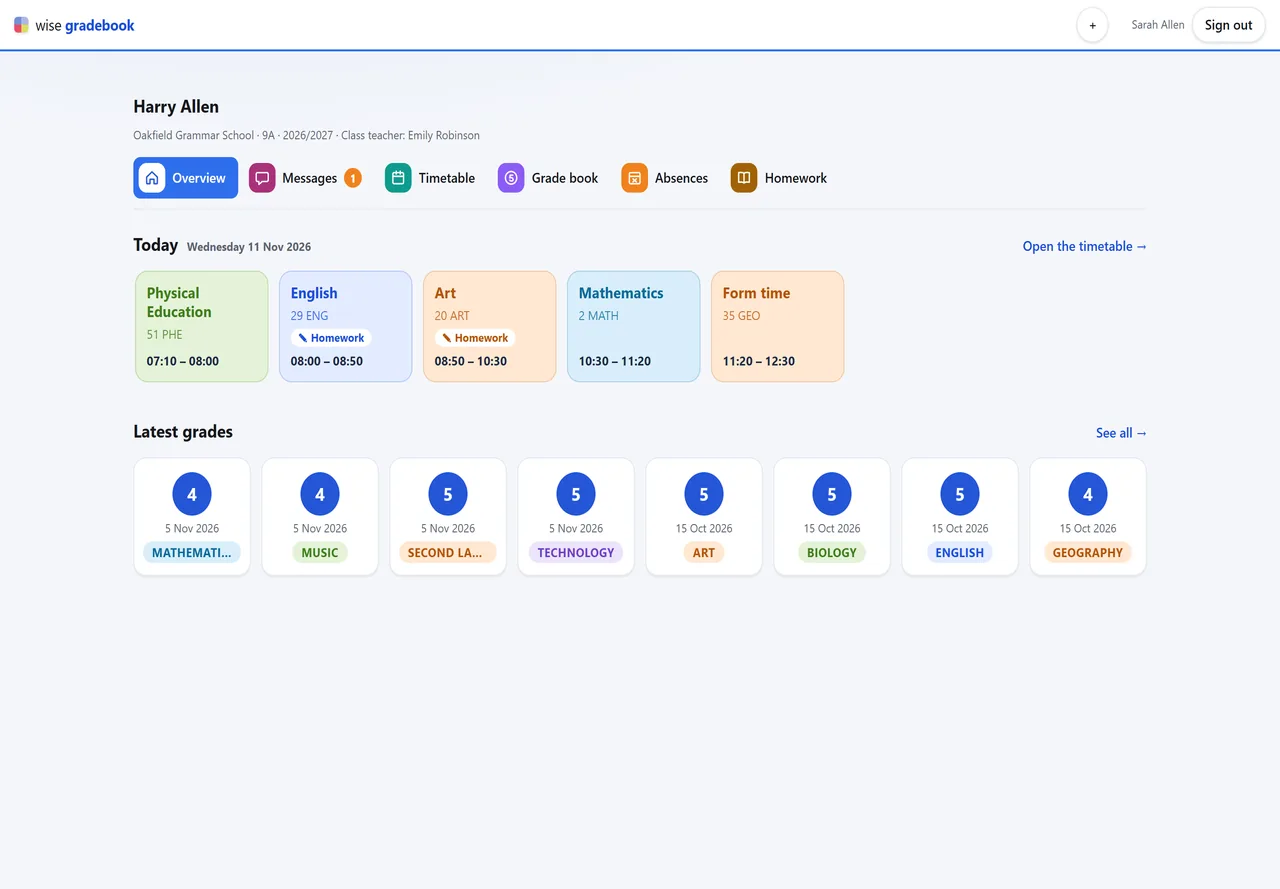
What it does
- The class teacher prints an access code for the pupil and for each parent. Typed once, it shows the grades, absences, measures, and the topics and homework of the last two weeks – on any phone, with nothing to install. A parent can ask for an absence to be excused; the class teacher decides. A new code replaces the old one and signs out every device that used it.
How it goes
The code comes from the pupil's record sheet (Pupils - Family portal - Make a code): one for the pupil, one for each parent. Hand it over on paper.
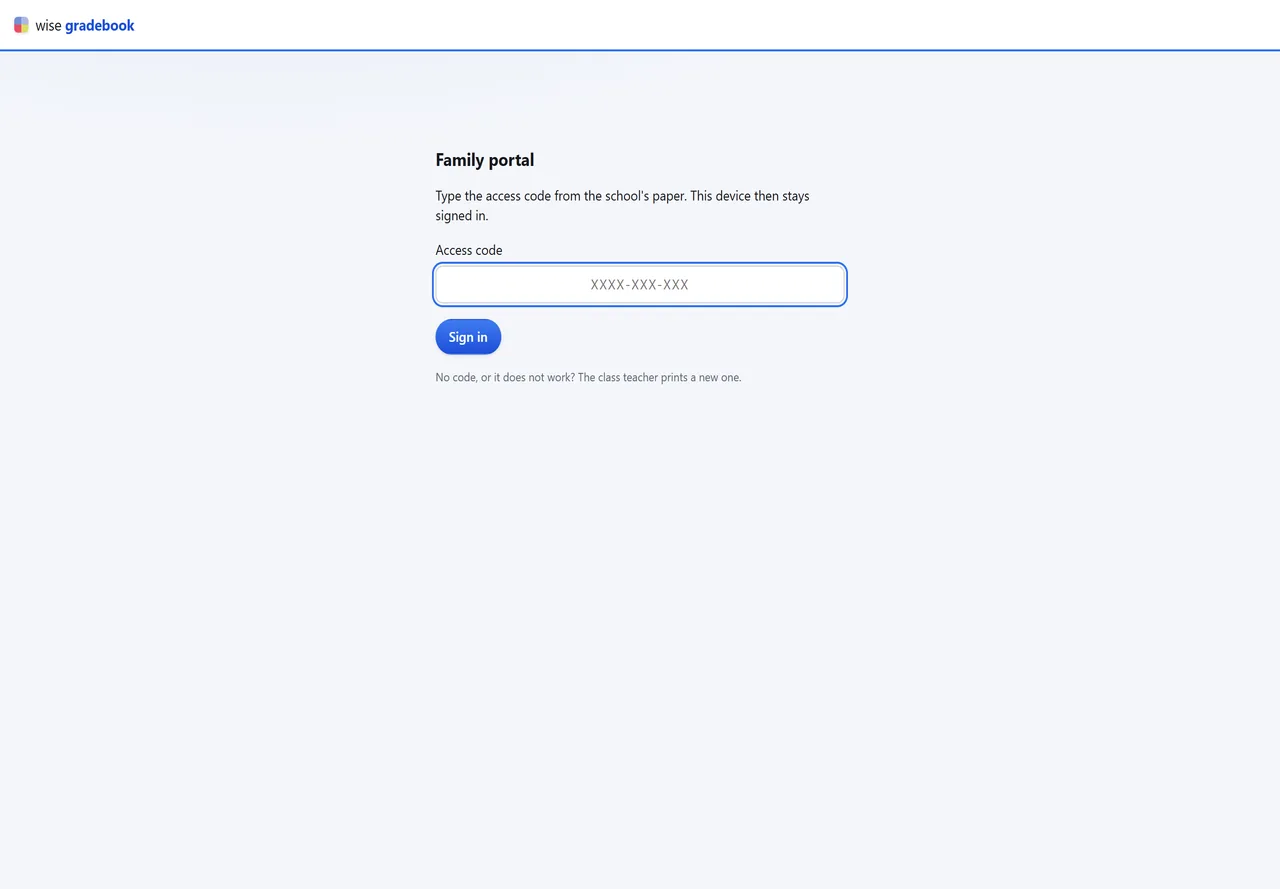
The family opens the school's address or the app and types the code once. The device stays signed in.
They see: the overview with today's lessons and the newest grades, the timetable week by week, the grade book, absences, homework, measures and messages.
A parent can ask for absences to be excused: the request stands beside the absence in your Absences, and you decide.
A parent of two children adds the second child's code on the same device and switches between them with one tap.
Good to know
- A family sees only its own child. A pupil reads; only a parent asks for an excuse and writes messages.
- A lost paper: make a new code. It replaces the old one and signs out every device that used it.
More modules
- ← Previous: MessagesThe class and its families write to each other: an announcement to every family of the class, or a conversation about one pupil.
- Next: Mobile app →Wise Gradebook for Android and iPhone opens with the same paper code: one tap for each child of the family. The app is being prepared for the stores.
See it with your own classes
We set it up on a copy of your timetable and walk through a week of a real class with you.