School and papers
Classes
Set the school up from its timetable, by ticking boxes.
How it goes
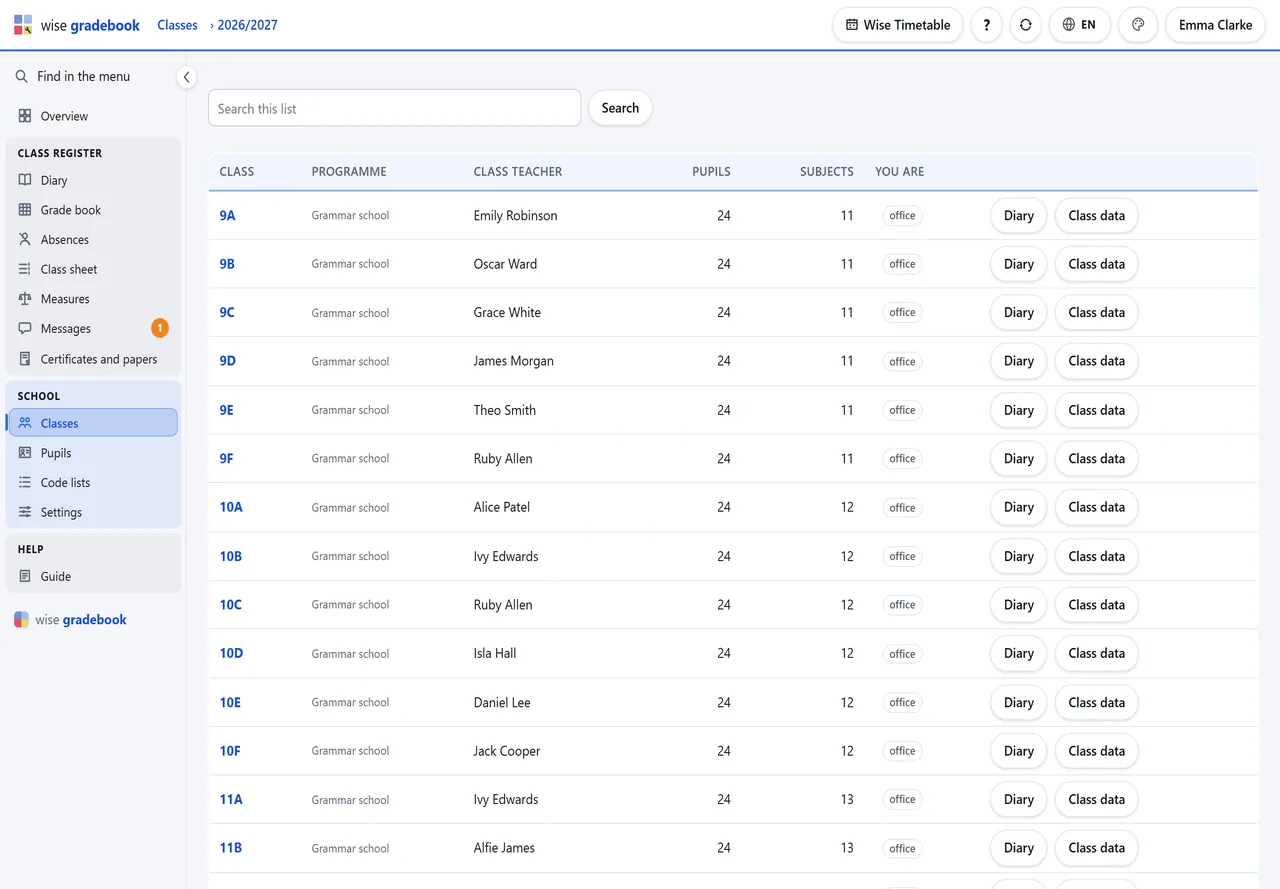
Classes - Classes from the timetable: tick the groups, leave both switches on, Make the classes. Each group becomes a class with its pupils, subjects and teachers.
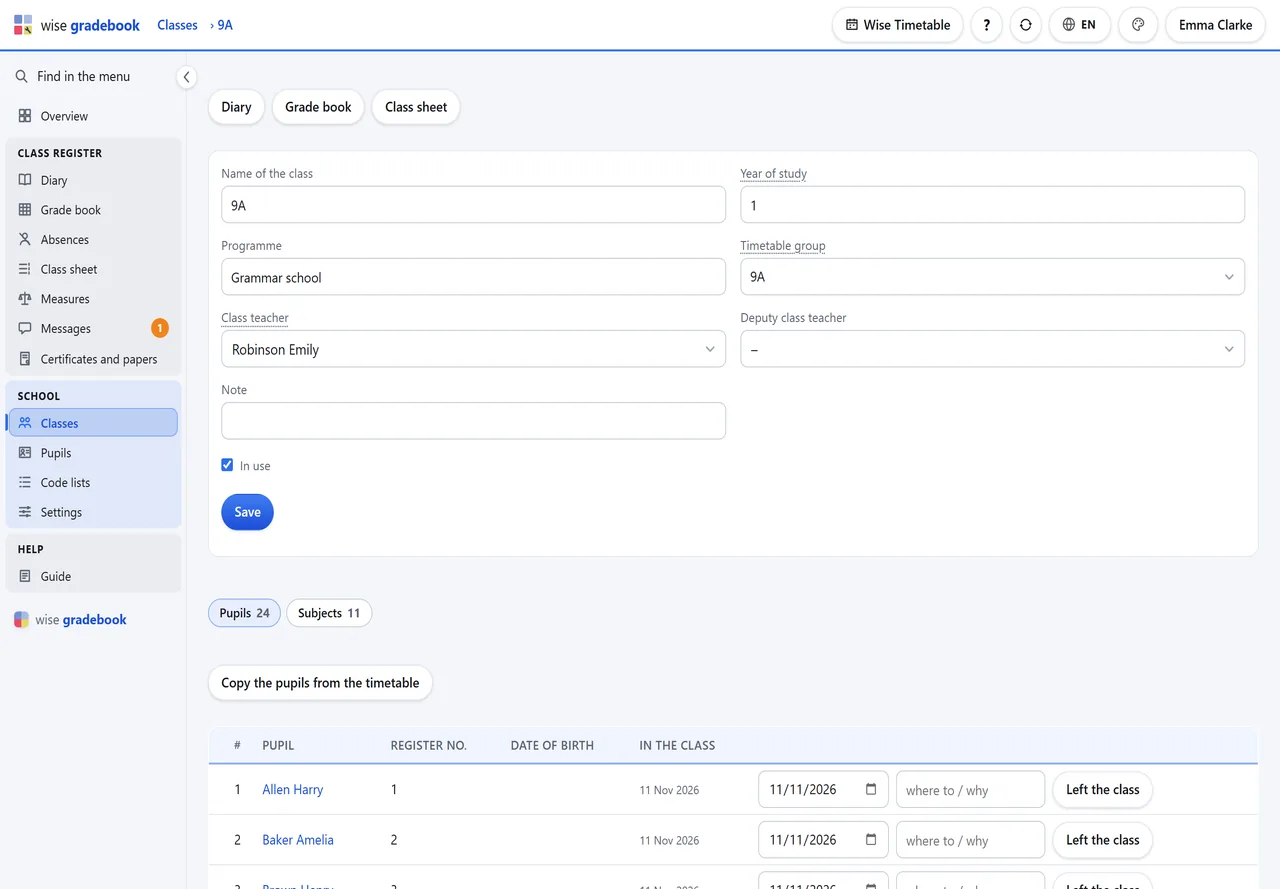
Open Class data on a class and choose its Class teacher. Until then only the office can excuse absences and issue papers there.
Subjects: check who teaches what, the planned hours, and which subjects are on the certificate.
Both copy buttons can be run again later: they add what is new and never overwrite your edits.
Good to know
- A class that follows no timetable group still works - its lessons are written by hand.
See it with your own classes
We set it up on a copy of your timetable and walk through a week of a real class with you.