Calendars and phones
Bookings in your own calendar, and in your pocket
Any room, person or selection can be followed from Outlook, Google Calendar or Apple Calendar. A subscription updates itself: a booking changed in WBS changes in the calendar.
Subscribing takes three steps
Choose what to follow
Reports, By date: tick the rooms or the participants and press Show.
Add to calendar
Under the result choose Outlook (Microsoft 365), Google Calendar or Open in calendar; Copy link for a calendar that asks for an address; Download .ics for a one-off copy.
Confirm
The calendar asks once. From then on it refreshes by itself.
How often calendars refresh
| Calendar | If it asks for an address | How often it refreshes |
|---|---|---|
| Outlook / Microsoft 365 | Add calendar, Subscribe from web | Several times a day; configurable |
| Google Calendar | Other calendars, From URL | Every few hours; decided by Google |
| Apple Calendar | File, New Calendar Subscription | From every five minutes |
On the phone
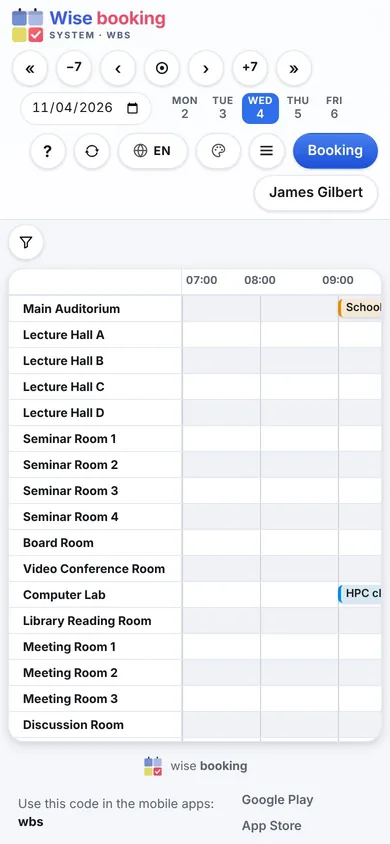
The same pages rearrange themselves for a small screen, and the free Wise apps for iPhone and Android show the bookings natively. The apps ask only for the institution's code - no user name, no password.
See WBS with your own rooms
Book an online presentation. We set up your rooms and your booking rules, and a new institution is usually live within a few days.