
Switching
Syllabus Plus, term by term
Scientia built a vocabulary nobody else uses, and an institution that has run Enterprise Timetabler for fifteen years thinks in it. This page translates it, so that an evaluation is about the software rather than about the words.
The objects
Read across the row. The concepts map almost one to one; it is the names that do not.
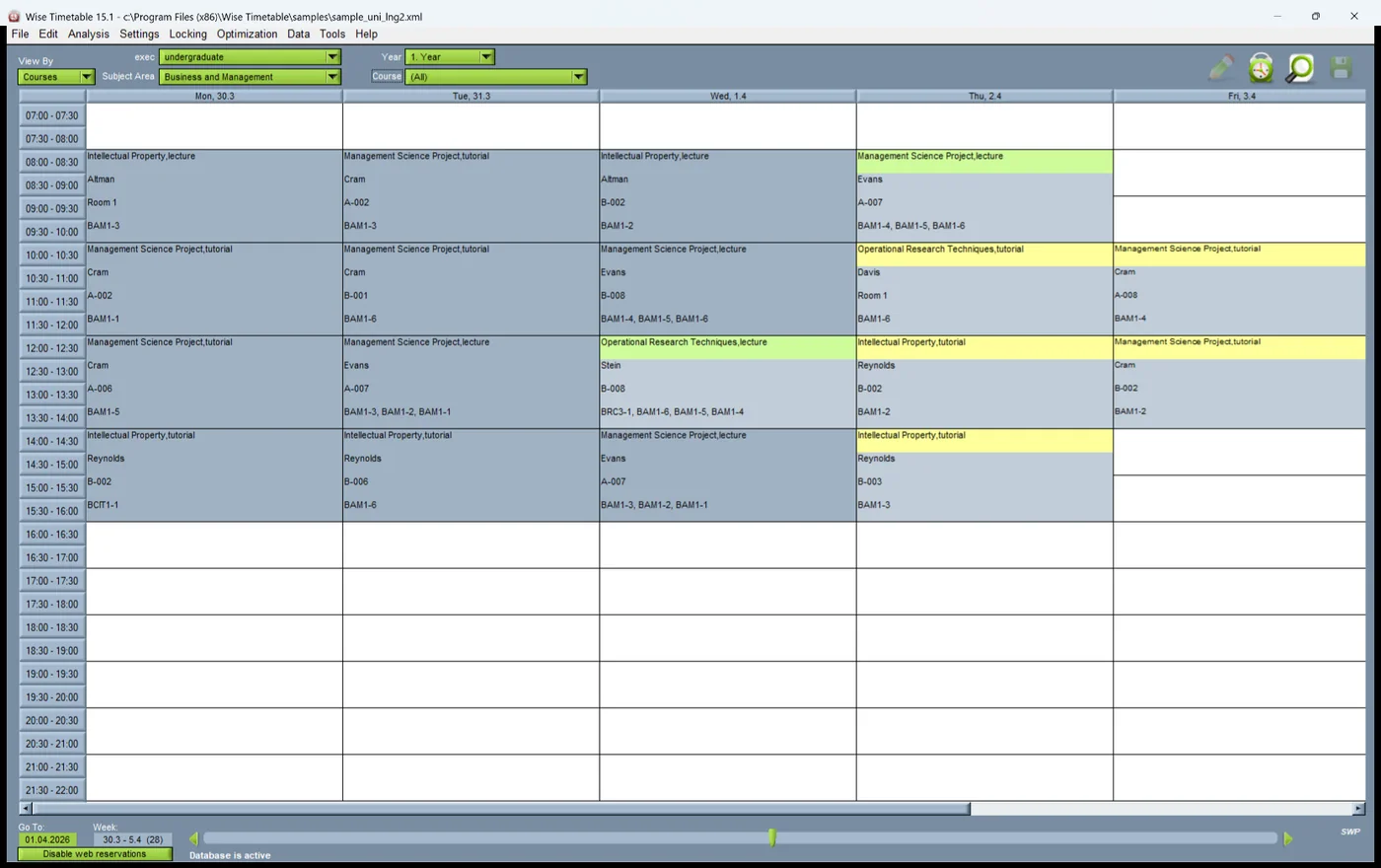
The one genuine structural difference is the Activity Template. Syllabus Plus separates the pattern a module's teaching follows from the individual scheduled activities generated out of it. Wise Timetable holds the same idea against the course and its turns, so a change to the pattern is made in one place and the sessions follow.
Syllabus Plus to Wise Timetable
| Syllabus Plus | Here | Note |
|---|---|---|
| Activity | Session | One teaching event in the week. |
| Activity Template | Course turn and its parts | The pattern the sessions are generated from. |
| Scheduled Activity | Placed session | An activity with a time, a room and a lecturer. |
| Module | Course | British module, not the American sense. |
| Programme of Study | Programme and year | Wise Timetable splits year and branch out explicitly. |
| Student Set | Student group | The cohort an activity is taught to. |
| Zone | Building or campus | Used the same way: to keep teaching near itself. |
| Suitability | Room requirement | What a room must have for this session. |
| Availability Pattern | Lecturer availability | Collected from the lecturer rather than typed centrally. |
| Constraint Profile | Constraint set | Hard rules and soft preferences, kept apart. |
| Time Block, Free Block | Working hours, protected slot | Institutional hours and the hour nobody may teach in. |
| Travel Table | Travel time | Between buildings and campuses, enforced during generation. |
| Maximum Hours, Maximum Workspan | Daily load and span constraints | Per lecturer, per day, per week. |
| Pooled Resource | Shared room or equipment | Visible to every faculty that draws on it. |
| Writeback | SIS integration | The link back to the student record system. |
| SDB | The timetable database | One database per independent timetable. |
The modules, and where the same job is done here
- Enterprise Timetabler — the desktop planner. Here: the desktop application, with several planners able to work at once.
- Enterprise Course Planner — curriculum-side preparation. Here: course, turn and turn-part structure, entered by hand or imported.
- Web Room Booking — booking by staff in a browser. Here: the web booking module, included rather than licensed separately.
- Enterprise Authorisation Manager — who may change what. Here: booking rights and room entitlements per member of staff.
- Enterprise Portal — publication. Here: the student timetable portal and web publishing.
What actually has to move
Rooms, staff, courses and student structure — and then the answers to the questions nobody wrote down: which rooms are really bookable by whom, which constraints were real and which were habit, and which week patterns the academic year actually uses.
What Wise Timetable reads is Excel, CSV, XML and a documented REST API. There is no Syllabus Plus-specific importer and this page is not going to imply one: the practical route is an export from the SDB into one of those four, which is a day's work for somebody who knows the schema and is the same day's work whichever system you move to.
The wider question — what transfers, what has to be rebuilt, what breaks outside the software, and how long it takes — is in changing timetabling system.
Want to see this working?
Book a 45-minute online presentation and we will walk through it against your institution's own scheduling problem.