
Data collection
Manual data entry, done properly
Not everything exists in a file. Wise Timetable's administration console is built for the parts you have to enter yourself — and for the corrections you will inevitably make to the parts you imported.
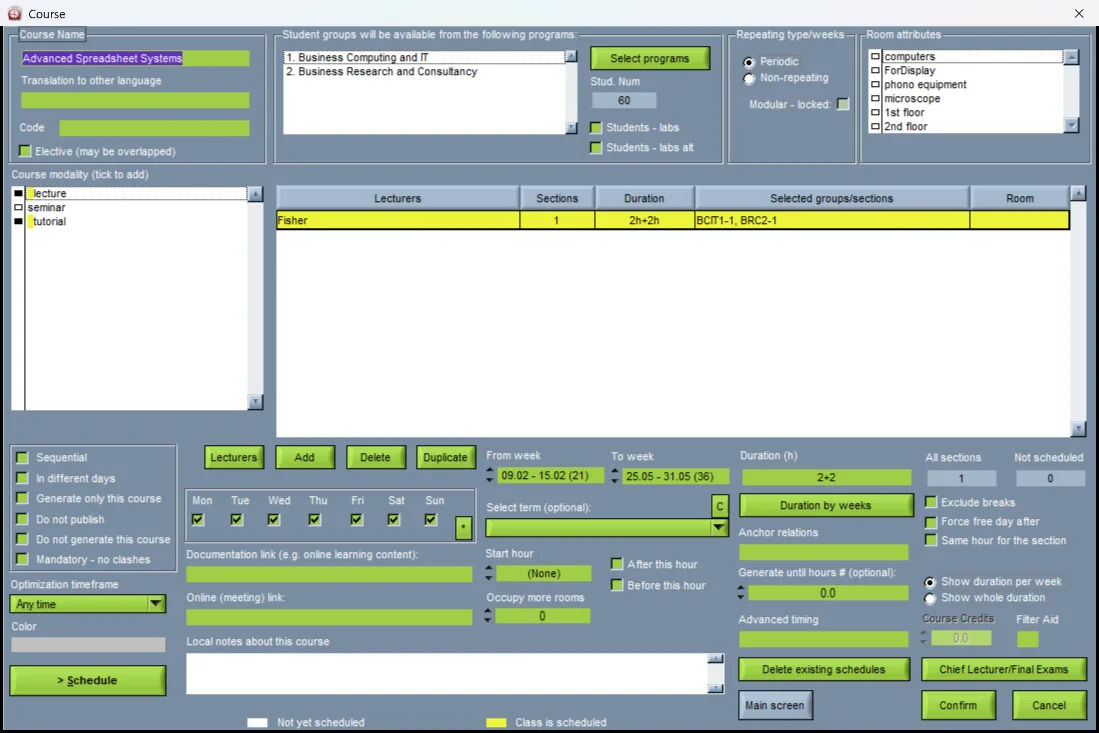
A guided interface, not a spreadsheet with menus
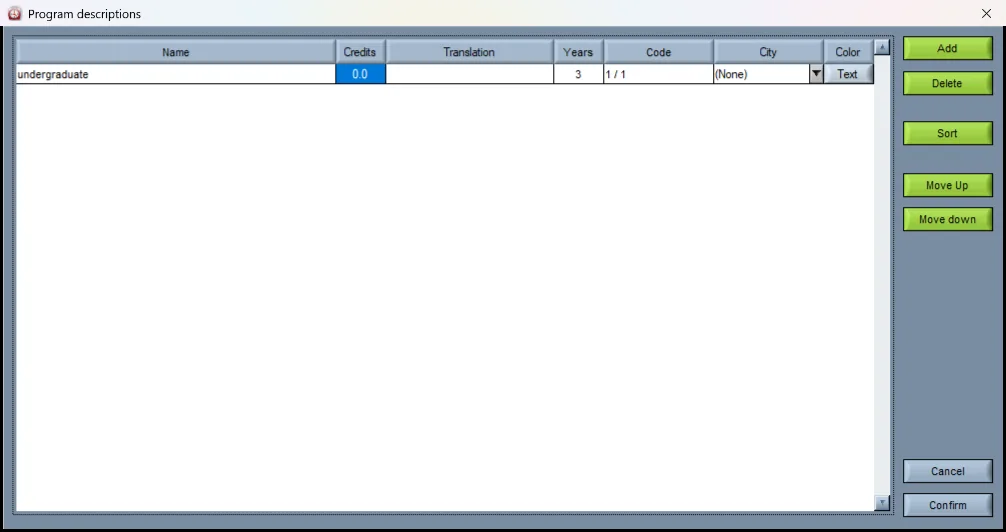
Data entry follows the structure of an academic institution: you build the hierarchy of programmes, years and study areas first, then populate it with modules, sessions, groups and staff. Our team helps you build that initial hierarchy during setup, so you are not staring at an empty database wondering where to start.
The interface was designed so an administrator can work it out without formal training, with context-sensitive help available on every screen. In practice most institutions still take the training, because three days with someone who has seen a hundred university timetables saves considerably more than three days later.
- Step-by-step entry through a user-friendly graphical interface
- Programme and organisational hierarchy built with our team during setup
- Context-sensitive help on every screen
- Data from web and desktop applications unified in one central database
- Freely mixed with imported data — there is no separate manual mode
Where manual entry earns its keep
Even institutions with excellent system integration end up entering some things by hand: a visiting lecturer who is not in the HR system, a room borrowed from a neighbouring faculty for one semester, a one-off intensive block that does not fit the standard module structure.
Because manual and imported data live in the same dataset with no distinction between them, these exceptions do not become a parallel spreadsheet that someone has to remember to reconcile.
See Wise Timetable on your own data
Book a 45-minute online presentation. We will walk through your institution's scheduling problem, show how Wise Timetable handles it, and answer anything your team wants to test.