
Publishing
Mobile apps for students and staff
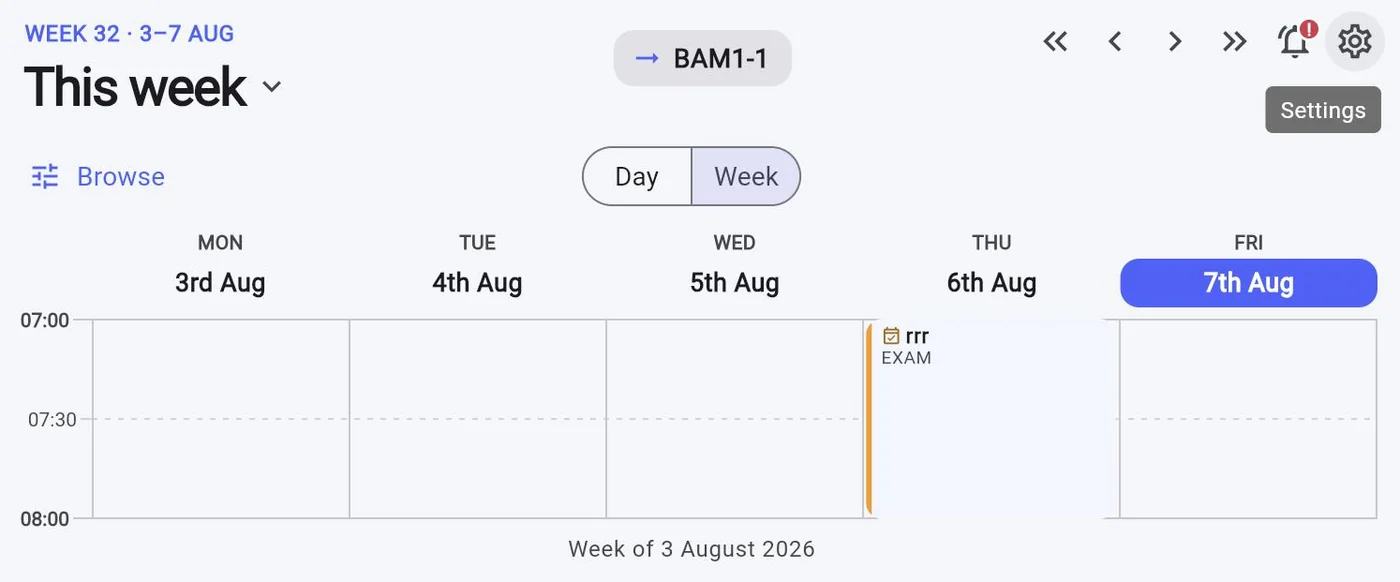
Students do not check a website for their timetable. They check their phone — and if your published timetable is a PDF, they screenshot it in September and are still looking at it in March.
Personalised, current, and free to download
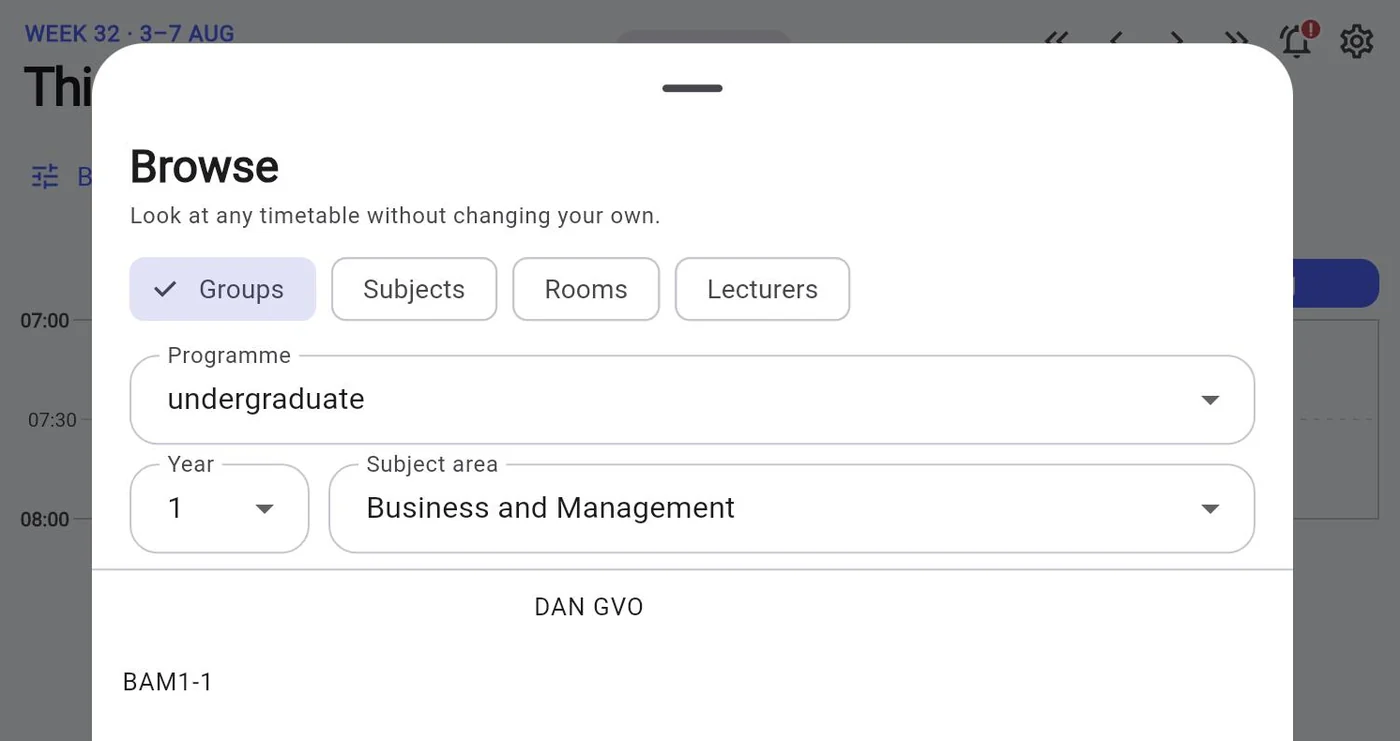
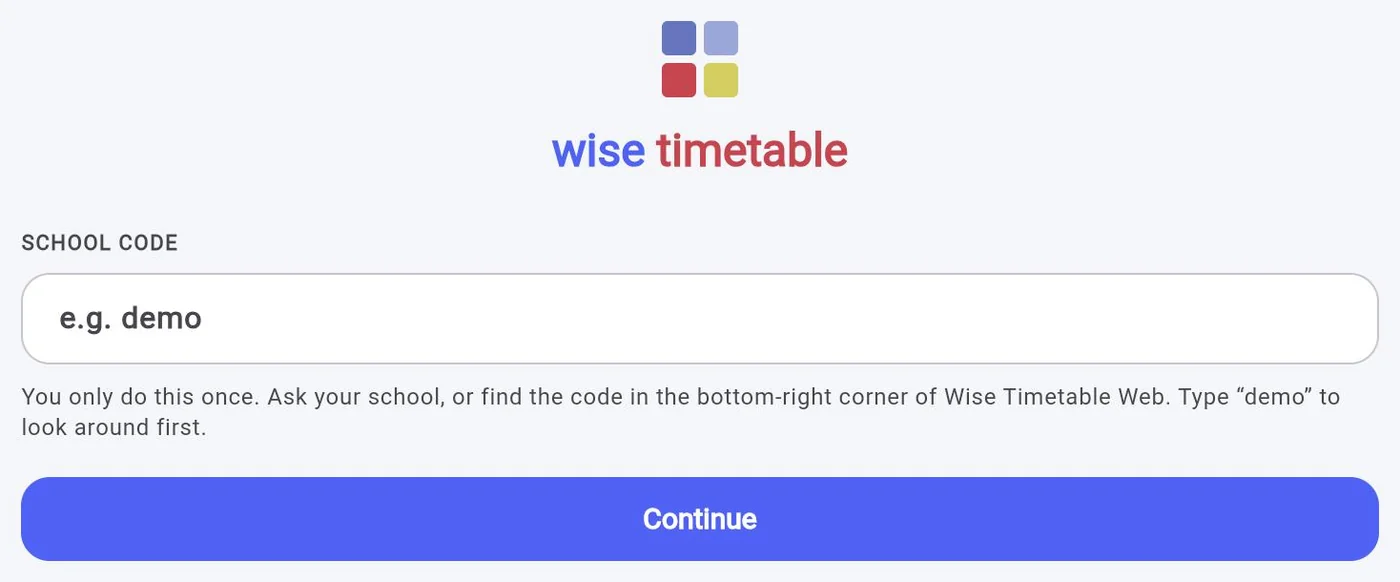
Native applications for iOS and Android give every student and staff member their own timetable, not the faculty's. They are free to download and included in the institutional licence, so there is no per-student cost and nothing for individuals to buy.
Because the apps read live data, a change made by an administrator at eleven is on every affected phone by five past — with a push notification, so nobody walks to the wrong building.
- Personalised timetable for each student and staff member
- Push notifications when a session moves, is cancelled or is added
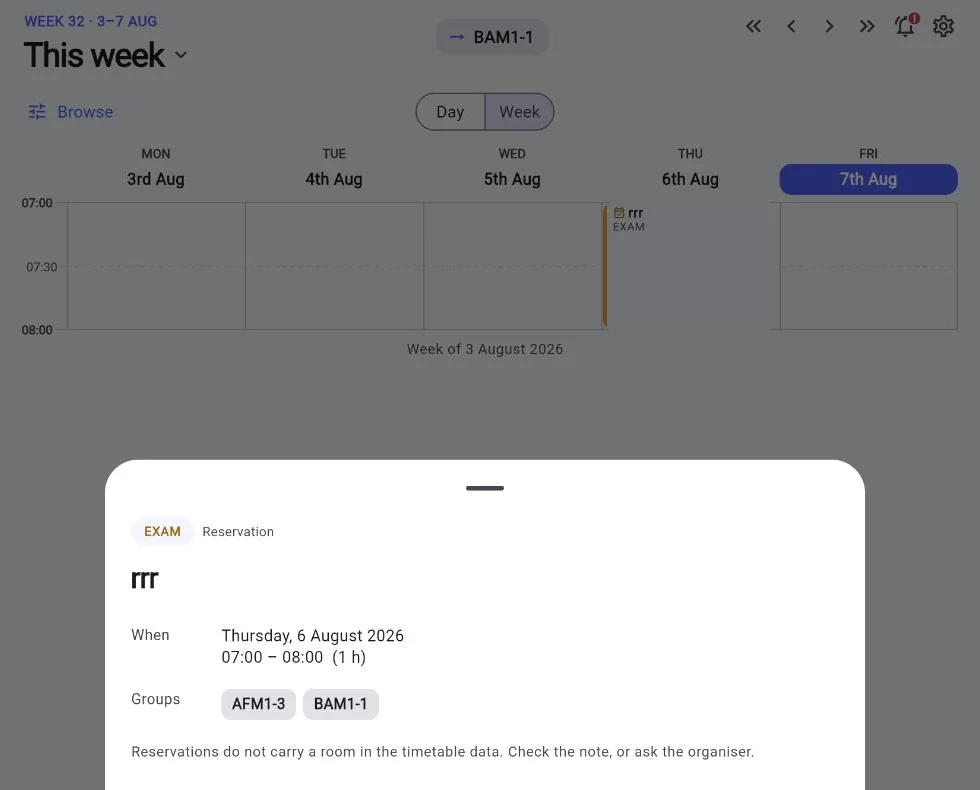
- Room and building information alongside each session
- Links to online meeting platforms where sessions are taught remotely
- Attendance by QR code, where the institution takes it: students scan in the app, lecturers can take attendance on their phone, and students can see their own record
- Free for unlimited students and staff under the institutional licence
And for everyone who prefers a browser
The system runs in any modern browser on Windows, macOS, Linux and mobile, so the apps are a convenience rather than a requirement. Calendar subscription is also supported, which suits staff who live in Outlook or Google Calendar and would rather not open another application at all.
Related capabilities
- Web publishingTimetable pages on your own site.
- Change notificationsWhat triggers a push notification.
- Student portalFor readers without the app: the pickers, the view modes and a bookmarkable address.
- The apps and info screens, in screenshotsWeek view, lesson detail, and the designs for corridor screens.
See Wise Timetable on your own data
Book a 45-minute online presentation. We will walk through your institution's scheduling problem, show how Wise Timetable handles it, and answer anything your team wants to test.