Wise Timetable

Gallery

What the software actually looks like

Screenshots from the live system rather than marketing renders. If you want to see any of these in motion, on your own data, book an online presentation.

The Wise Timetable administration console workspace
The main workspace, showing a generated week.
Timetable viewed by lecturer in Wise Timetable
The same timetable viewed by lecturer.
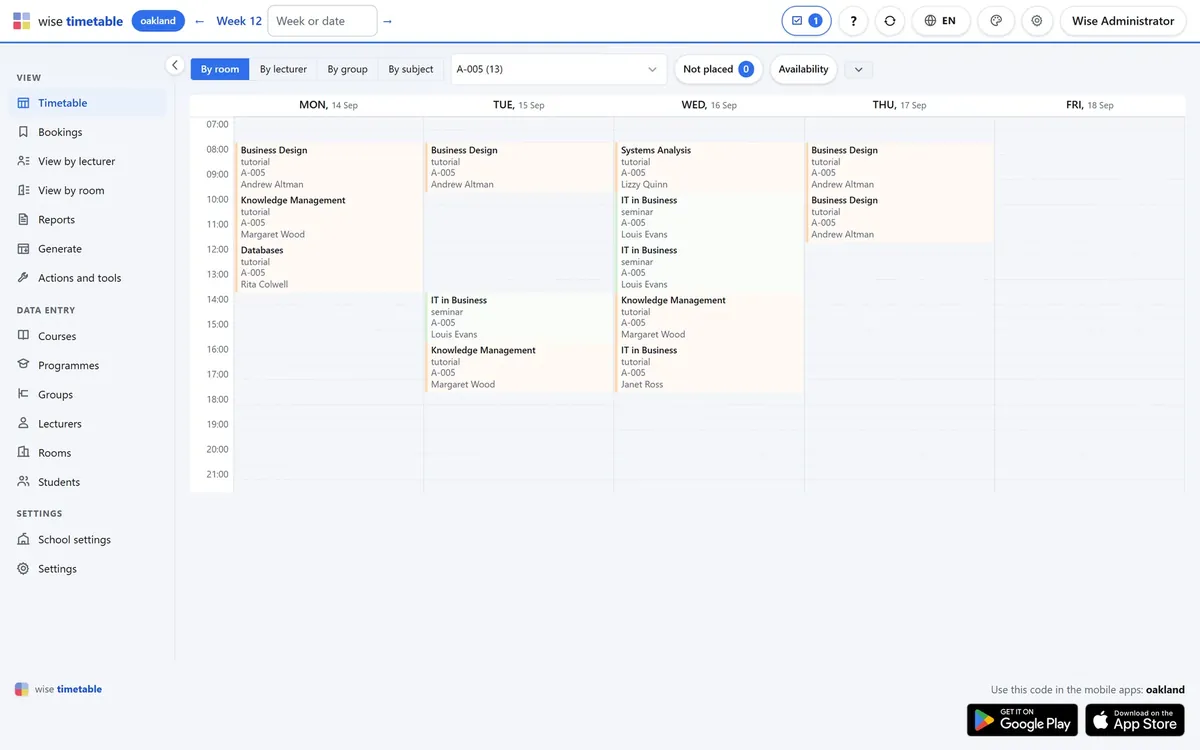
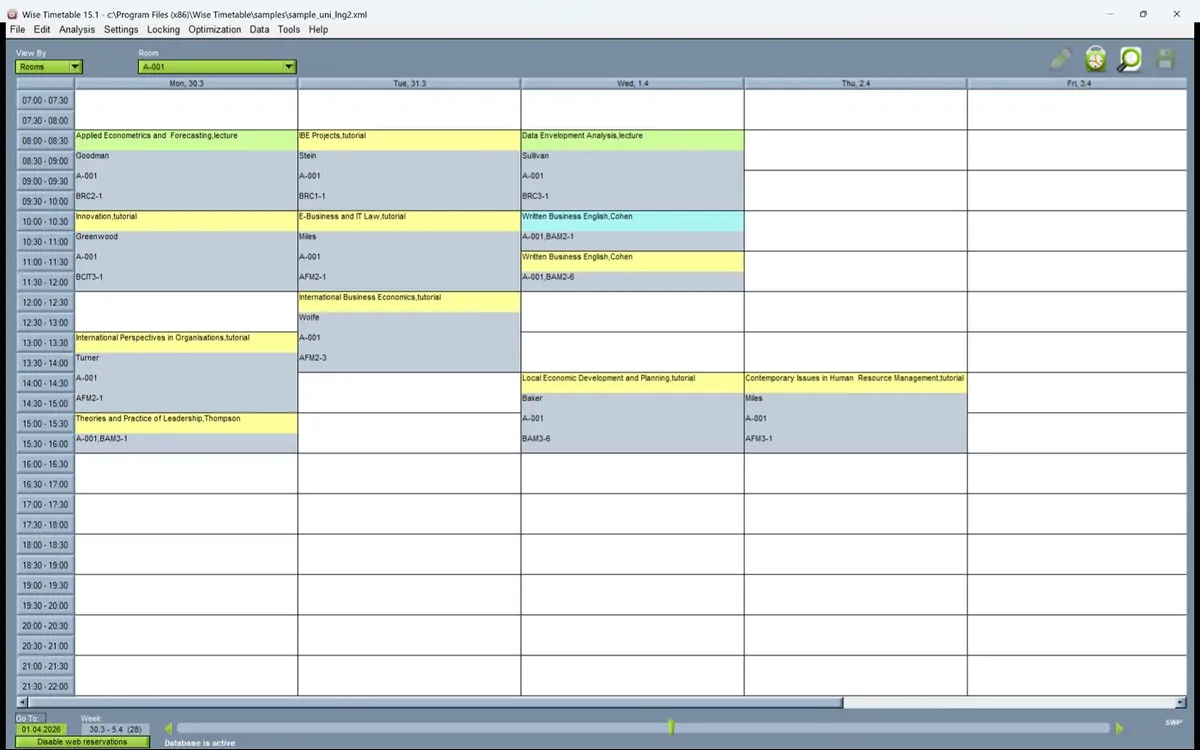
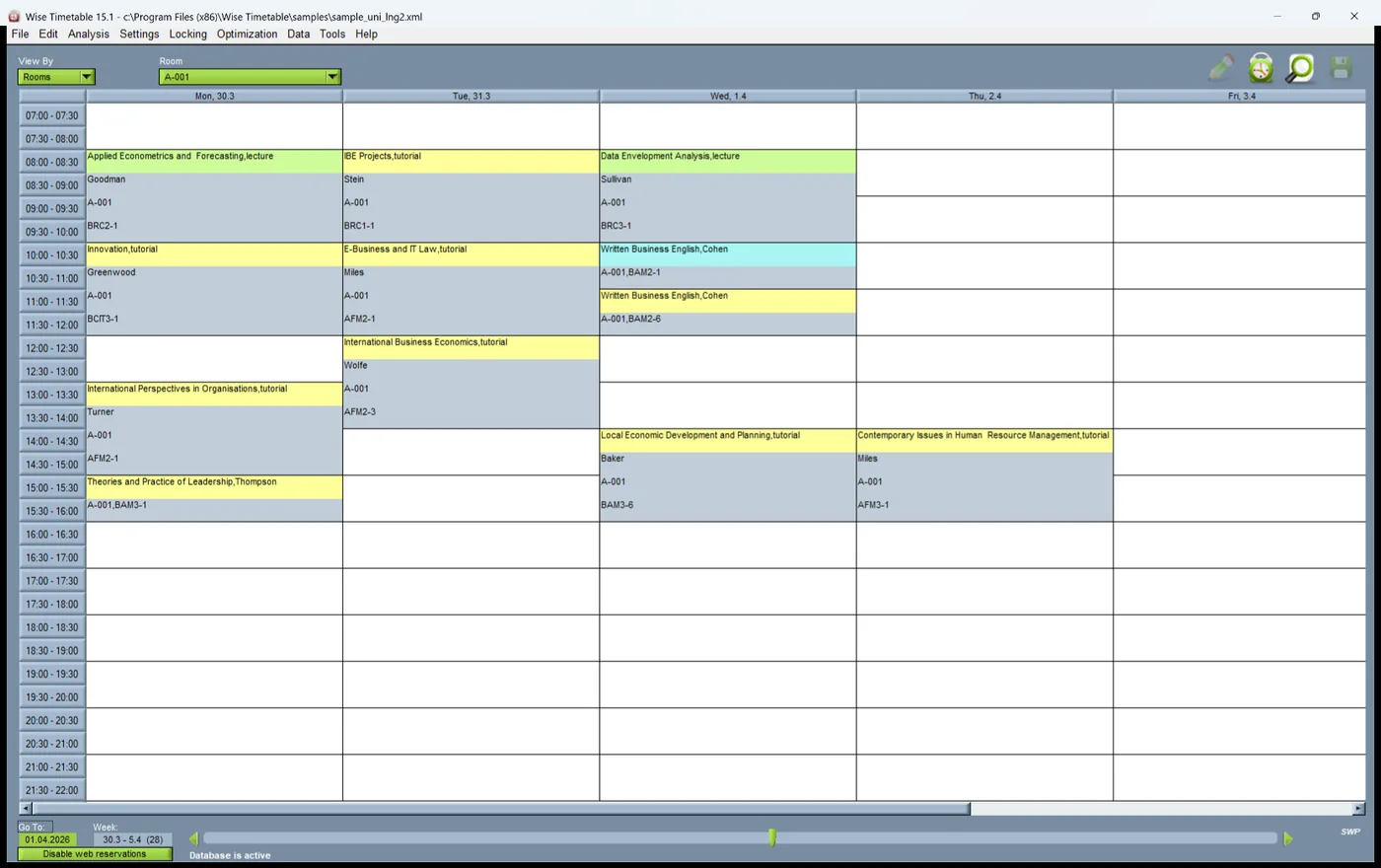
Timetable viewed by room in Wise Timetable
By room, showing occupancy and free capacity.
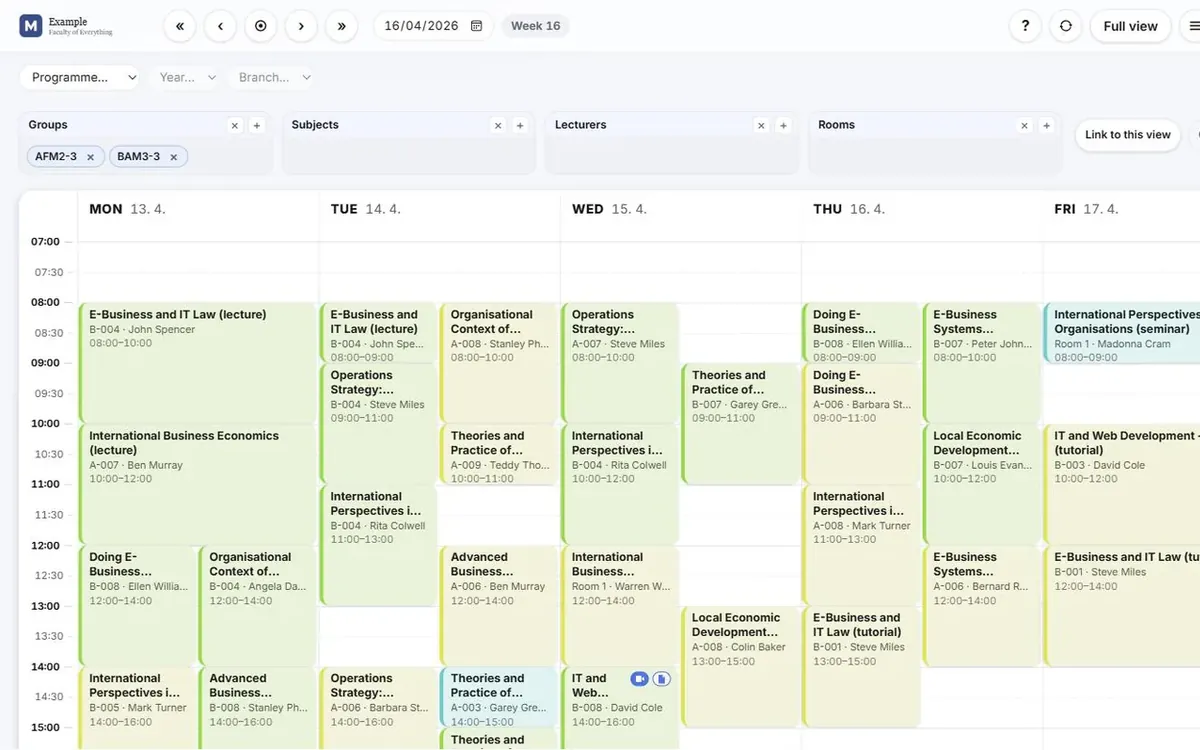
Timetable viewed by student group in Wise Timetable
By student group, which is what students eventually receive.
Timetable viewed by course in Wise Timetable
By course, across all its sessions and groups.
Conflict list in Wise Timetable
Conflicts identified across rooms, lecturers and groups.
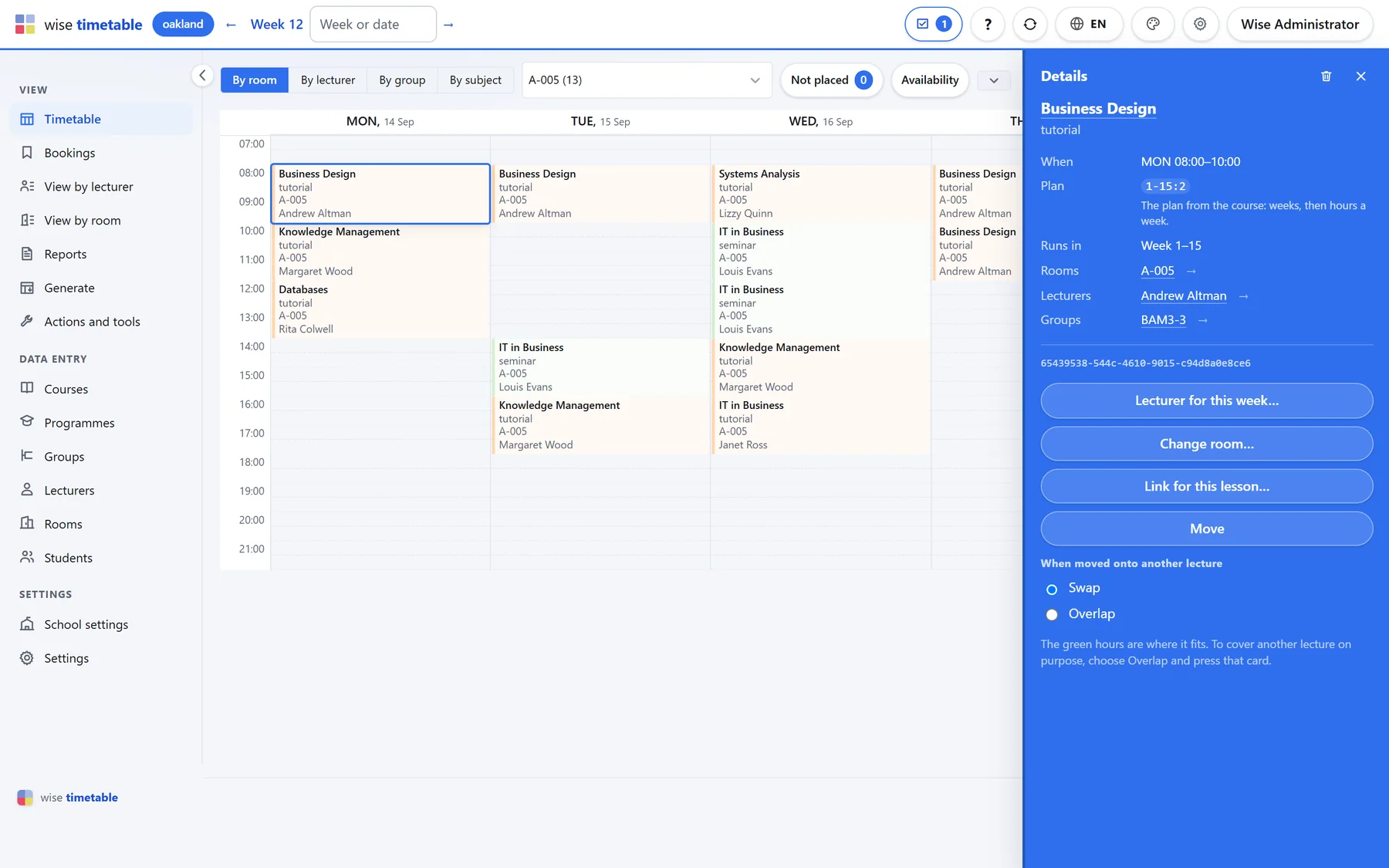
Testing a class swap before committing to it in Wise Timetable
Testing whether an exchange is possible before making it.
Unallocated sessions list in Wise Timetable
Sessions that could not be placed within current constraints.
Automatic generation settings in Wise Timetable
Generation settings: hours, breaks and load distribution.
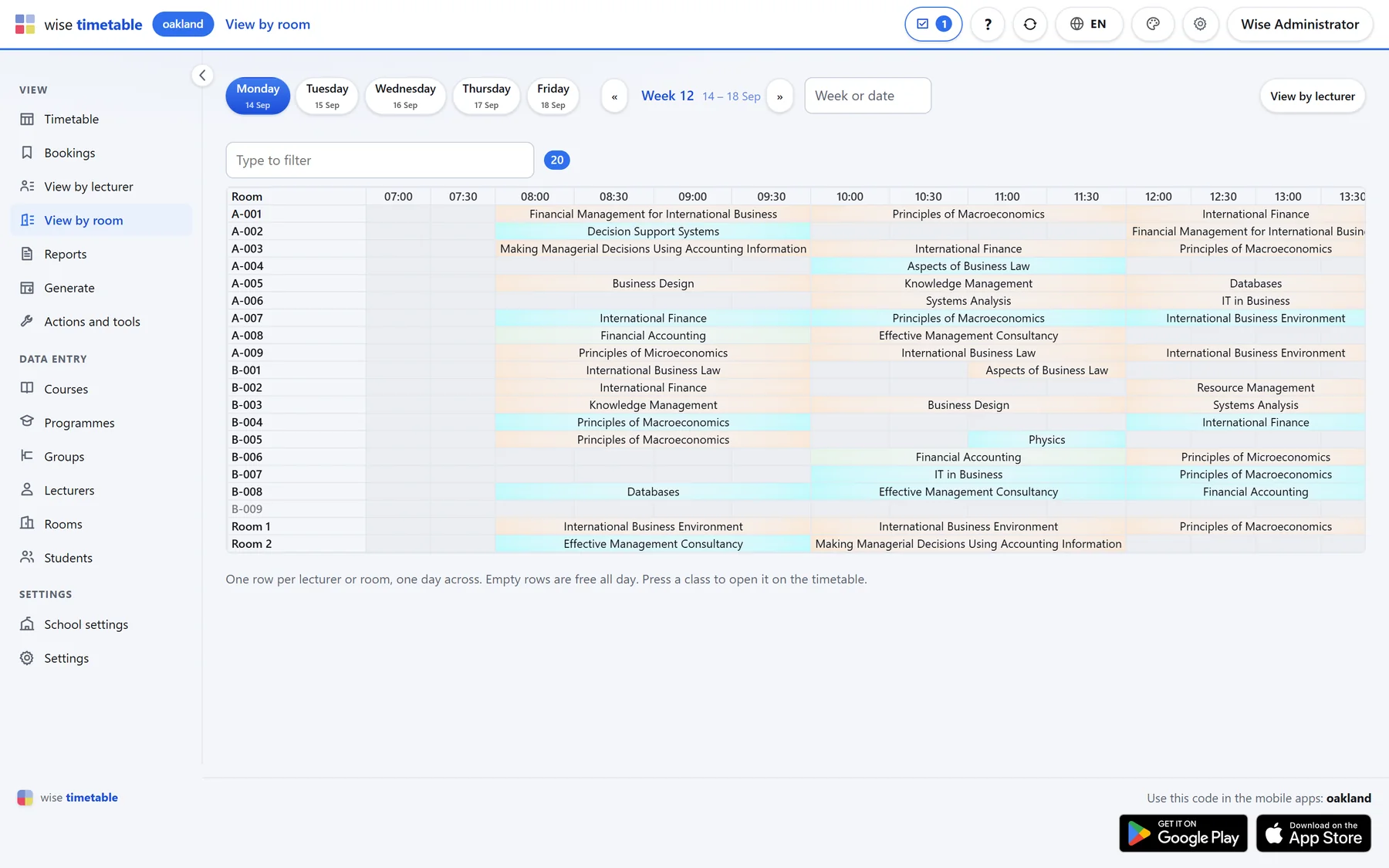
Room occupancy view in Wise Timetable
Room occupancy across the week.
Course list in the Wise Timetable administration console
The course list, with session types and teaching hours.
Student group list in Wise Timetable
Student groups, including combined and subdivided cohorts.
Distributing students across groups in Wise Timetable
Distributing a cohort across practical or seminar groups.
Room inventory in Wise Timetable with capacities and buildings
The room inventory, with capacity, building and equipment.
Room equipment definition in Wise Timetable
Equipment attached to rooms, used as a hard constraint.
Lecturer availability booking page in the Wise Timetable web booking system
Lecturers booking their own available teaching hours.
Booking approval queue in Wise Timetable
The administrator's approval queue for web bookings.
Final examination schedule in Wise Timetable
Examination scheduling with student-level clash checking.
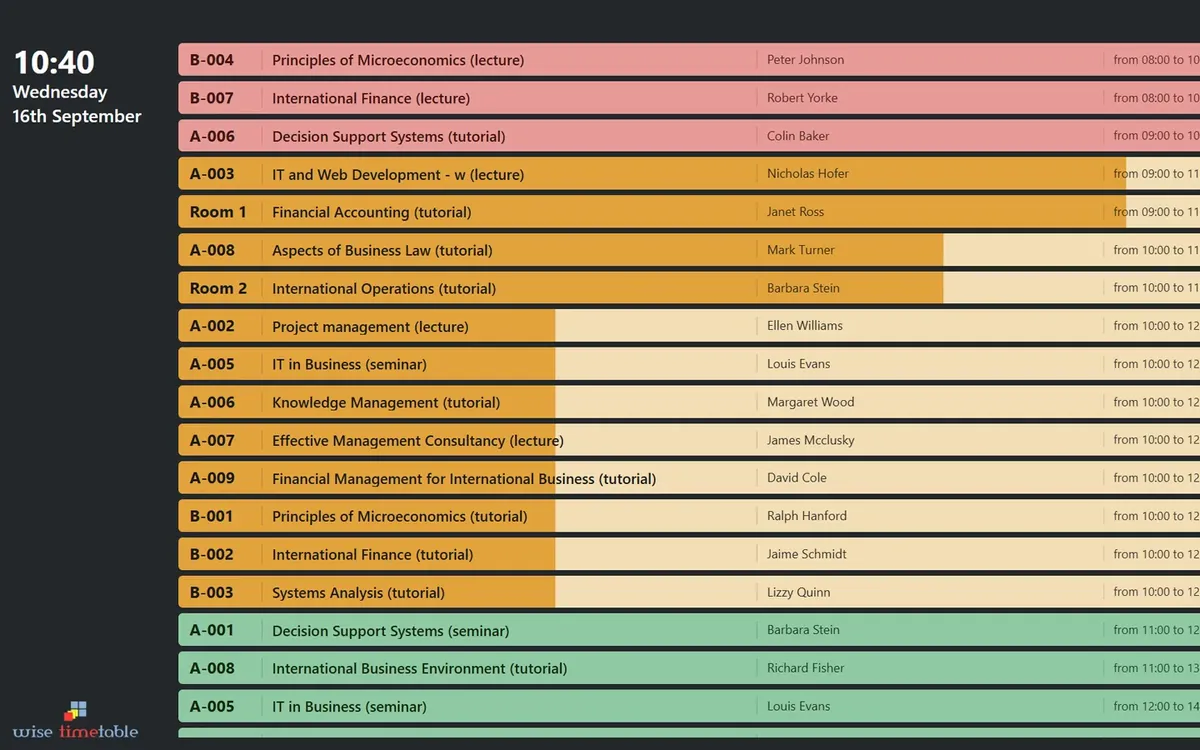
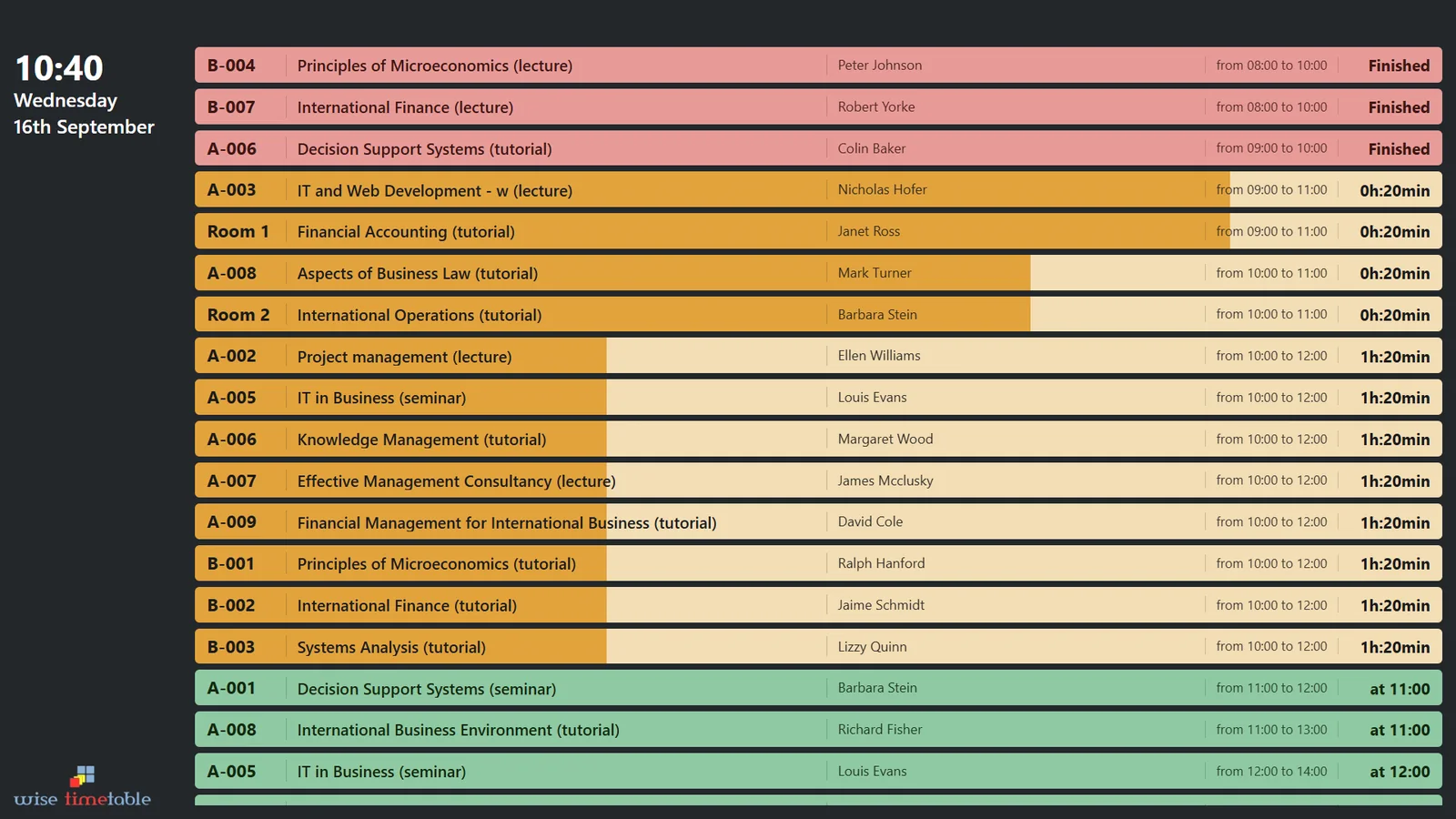
Campus digital signage timetable display
Digital signage output for building entrances.
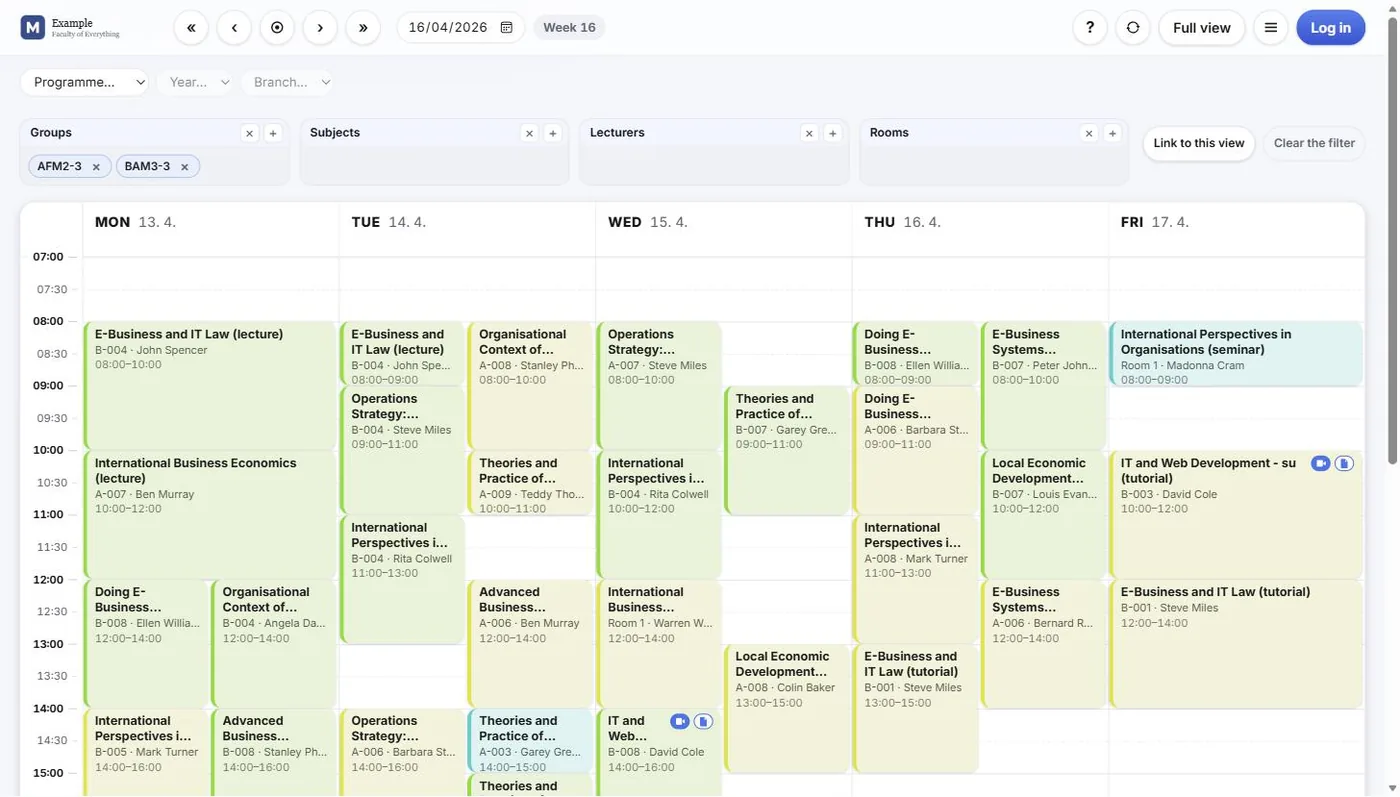
Published web timetable page from Wise Timetable
Published, searchable timetable pages with your branding.
Room utilisation report in Wise Timetable
Room utilisation reporting from live timetable data.
PDF and Excel timetable output from Wise Timetable
PDF and Excel output for circulation and archiving.
Interface language selection in Wise Timetable, showing the supported localisations
Interface localisation: 16 languages, with full Unicode support for institutional data in any script.

Administration console

Where timetables are built. Windows desktop application, any recent version.

Course screen

Programmes, modules, groups and sessions in one hierarchy, with teaching loads and group sizes visible while you work.

Constraint editor

Working hours, breaks, maximum daily load, room restrictions and distribution preferences, defined per entity or globally.

Automatic generation

Generation running against the full constraint set, with unallocated sessions listed separately for manual placement.

Conflict view

Clashes highlighted across the whole timetable, with the affected rooms, lecturers and groups identified.

Availability administration

The completion dashboard showing which lecturers have submitted their availability and which still need chasing.

Reports and customisation

Report layout and content customisation, with output to Excel and PDF.

Web and mobile output

What your staff and students see.

Booking login

The lecturer-facing entry point to room and resource reservation, with single sign-on where the institution uses it.

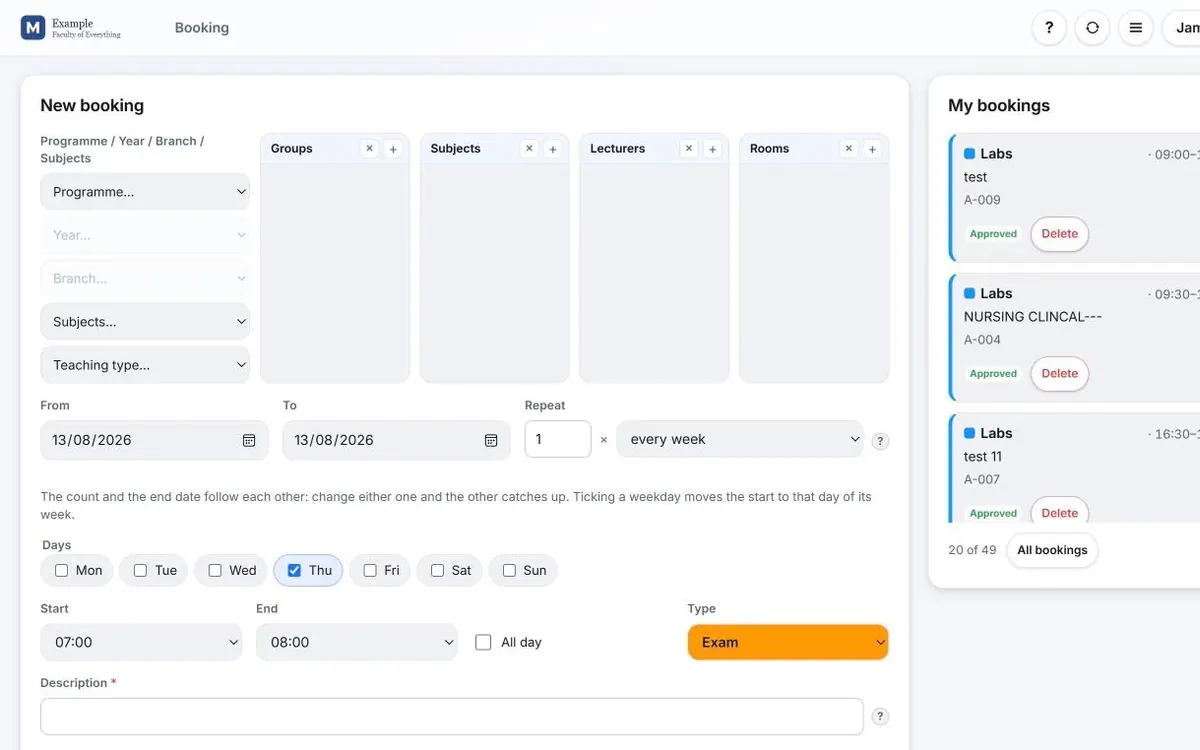
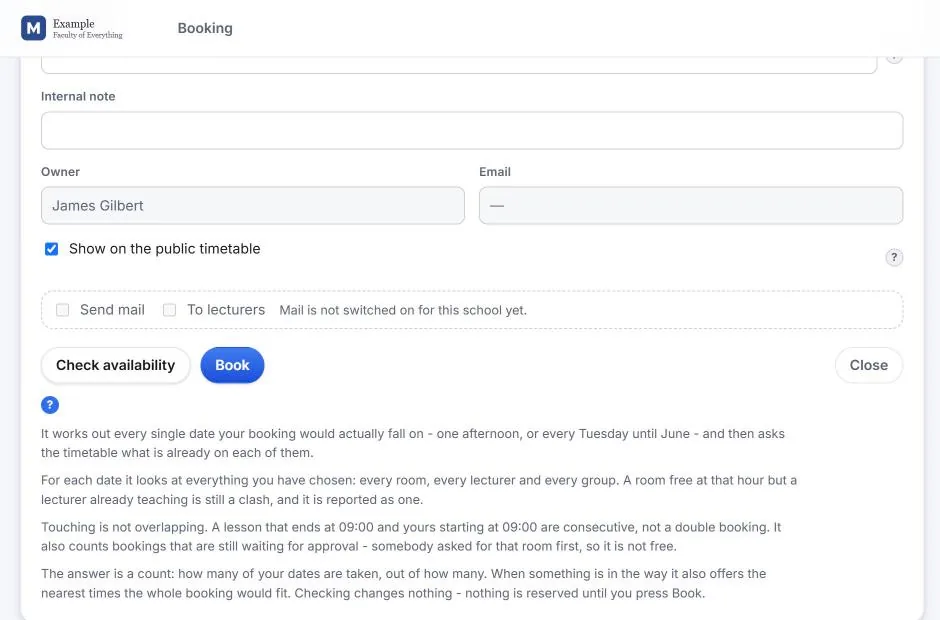
Booking details and rights

Reservation detail, event types, recurrence, and the rights model limiting each lecturer to the rooms they are entitled to.

Approval queue

The administrator's review screen for web bookings, where requests are approved or denied before becoming visible.

Digital signage display

Full-screen departure-board style output for campus screens, updating automatically as the timetable changes.

Published web timetables

Searchable timetable pages carrying your institution's branding, ready to link or embed in your own site.

Notifications

Automated email to lecturers and push notifications in the mobile apps when a schedule changes.

Want to see it live?

Screenshots only go so far. The booking system has a live web demo you can sign into immediately — see the download page for credentials — and the full desktop application is available as a free trial.

For everything else, a forty-five minute online presentation will tell you far more than a gallery.

See Wise Timetable on your own data

Book a 45-minute online presentation. We will walk through your institution's scheduling problem, show how Wise Timetable handles it, and answer anything your team wants to test.