
Switching
Untis, module by module
Untis is the most widely used timetabling software in German-speaking Europe and it was built around the school timetable. Most of it maps directly; one part of it does not, and that part is the reason universities look elsewhere.
The one difference that matters
A school timetable is built around a class — a fixed group of pupils who move through the week together. A university timetable is built around a programme, its years and its branches, with student groups that split and merge per module and students who choose options that no two of them choose identically.
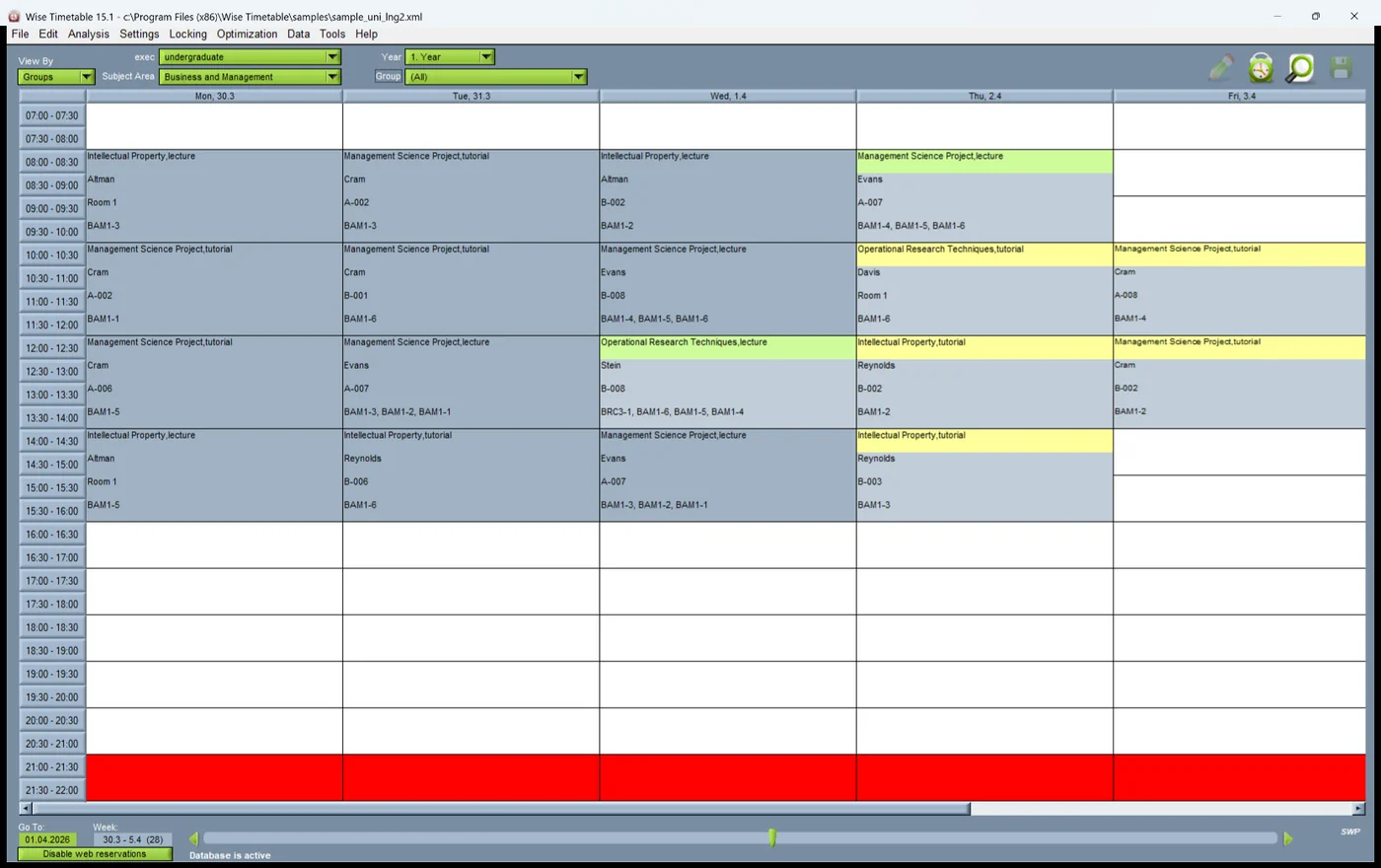
Everything else on this page is a name. That one is a structure, and it is what decides whether a system fits a faculty. Wise Timetable holds programme, year, branch, group and subgroup as first-class objects, and it can generate a timetable per student rather than per class.
Untis and WebUntis to Wise Timetable
| Untis (DE) | Untis (EN) | Here |
|---|---|---|
| Stundenplanung | Timetable scheduling | The desktop planner. |
| Vertretungsplanung | Substitution planning | Substitutions and cover. |
| Kursplanung | Course scheduling | Student module options and group building. |
| Unterrichtsplanung, Wertrechnung | Lesson planning, value calculation | Teaching load and lecturer payment — hours per lecturer, and what is owed for them at each lecturer's own rates. |
| Mehrwochenstundenplan | Multi-week timetable | Week patterns and week ranges across the academic year. |
| Abteilungsstundenplan | Department timetable | Faculty synchronisation — separate timetables that share rooms and staff. |
| Kalender-Jahresplanung | Calendar and year planning | Moving to the next academic year. |
| Info-Stundenplan | Info timetable | Web publishing and digital signage. |
| Digitales Klassenbuch | Class register | Attendance monitoring, by QR code. |
| WebUntis Termin (Buchen) | Booking | Room booking, inside the timetable. |
| MultiUser | MultiUser | Several planners at once. |
| Untis Mobile | Untis Mobile | Free mobile apps for iOS and Android. |
| Pausenaufsichten | Break supervision | Break control, the pauses report and the duty itself as a named booking — see below. |
| Sprechtage | Parent-teacher days | A booking type the school names and colours for itself — see below. |
The two school modules, and what answers them here
Neither exists here under that name. Both are done, and it is worth saying exactly how.
Pausenaufsichten. There is no module called break supervision, and there is a great deal about breaks. Before generation, a break can be made mandatory for a group after so many teaching hours and, separately and with its own figure, for a lecturer; a block of teaching can equally be set to run with no break inside it at all. After generation, Level pauses redistributes what is left, and optimising for lecturers and optimising for groups are separate commands, because the two pull against each other and the school has to decide which it is buying.
And it is measurable rather than a matter of impression. The pauses report — Ctrl+B — counts group gaps, lecturer gaps, and how many of the lecturer ones are long rather than short, so “we fixed the gaps” becomes two numbers you can compare between one run and the next.
The duty roster itself — who stands in the corridor at ten past eleven — is scheduled the way every other non-teaching duty is: as a booking of a type your school names and colours for itself, assigned to a member of staff, repeating across the weeks you choose, and visible in that person's own timetable beside their teaching. Substitutions and cover is how it is reassigned when somebody is away.
Sprechtage. The same mechanism, and it is the one our schools actually use. Name a booking type for the day, give it its own colour, place the slots, and they appear in the published timetable and on the foyer screens like anything else. Requests and approvals run through the ordinary booking workflow, and whoever asked is told by e-mail what was decided. What there is not is a parent-facing sign-up screen: the slots are published, and who takes which one is arranged the way your school already arranges it.
Both of these are school requirements rather than university ones, so if either is central to your institution it is worth a conversation before a shortlist rather than after.
What actually has to move
Rooms, staff, subjects and the student structure — and the structure is where the work is, because a class list has to become programmes, years, branches and groups. That is a decision about how the institution is organised, not a data conversion, and it is worth making deliberately rather than inheriting.
Wise Timetable reads Excel, CSV, XML and a documented REST API. There is no Untis-specific importer and this page will not imply one.
The wider question is in changing timetabling system.
Want to see this working?
Book a 45-minute online presentation and we will walk through it against your institution's own scheduling problem.