Wise Timetable

Gallery · 12 screens

On phones and on corridor screens

Free apps for students and staff, and info screens for entrances and floors. Both read the same live timetable, so neither is ever updated by hand.
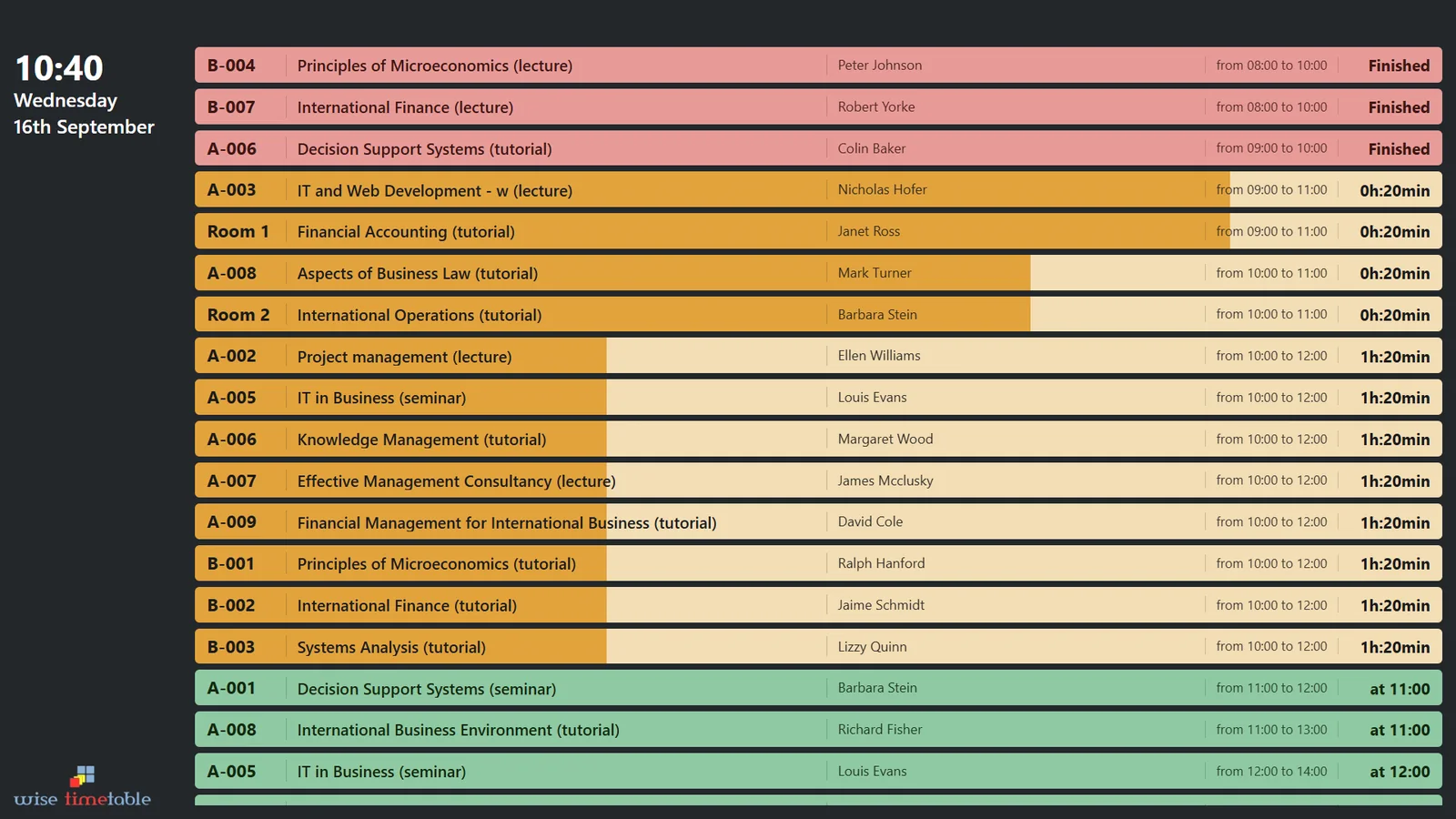
Wise Timetable info screen in the flow design, listing finished, running and upcoming lessons by room

Mobile apps

Free on Google Play and the App Store. Set up with a school code — no account, no password.
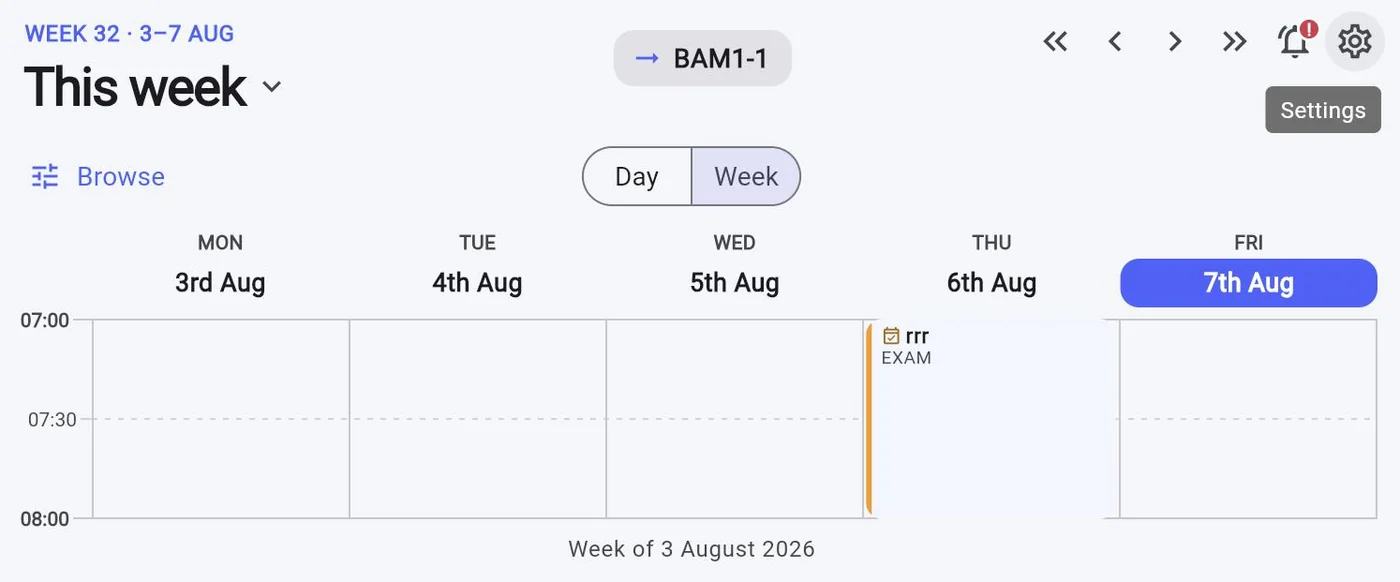
Week view in the Wise Timetable mobile app
The week The name of whatever you follow sits in the top bar, so you always know whose week you are looking at.
Lesson detail in the Wise Timetable mobile app
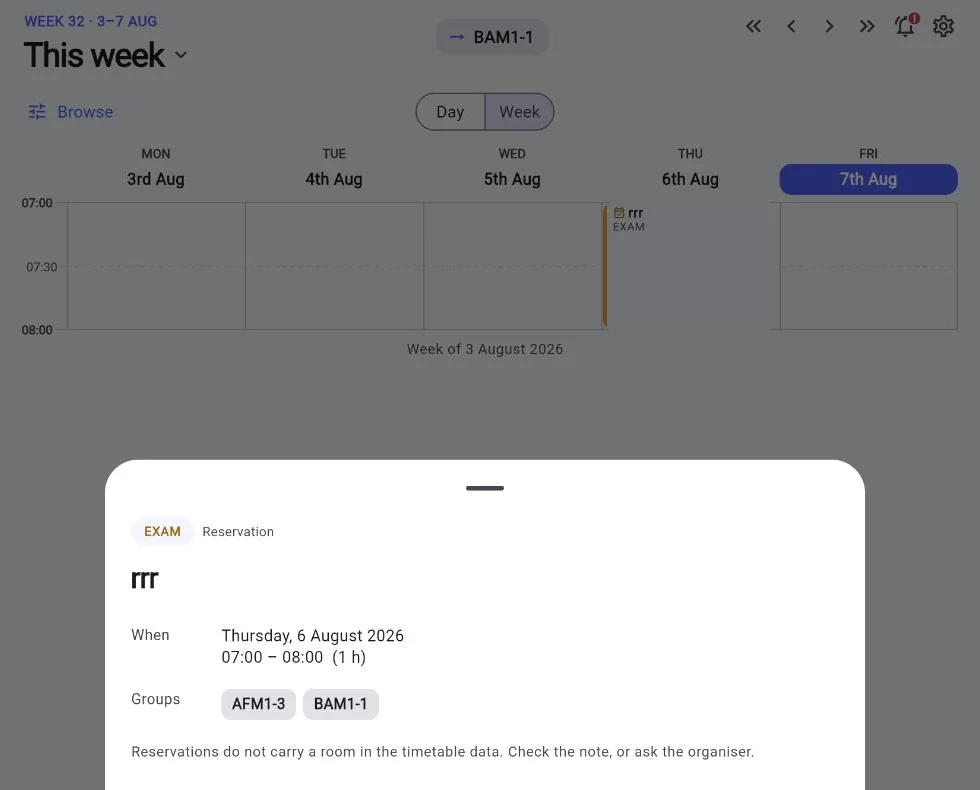
A lesson in full Type, date, time, rooms, groups and any note from the organiser.
Browsing another group’s timetable in the Wise Timetable mobile app
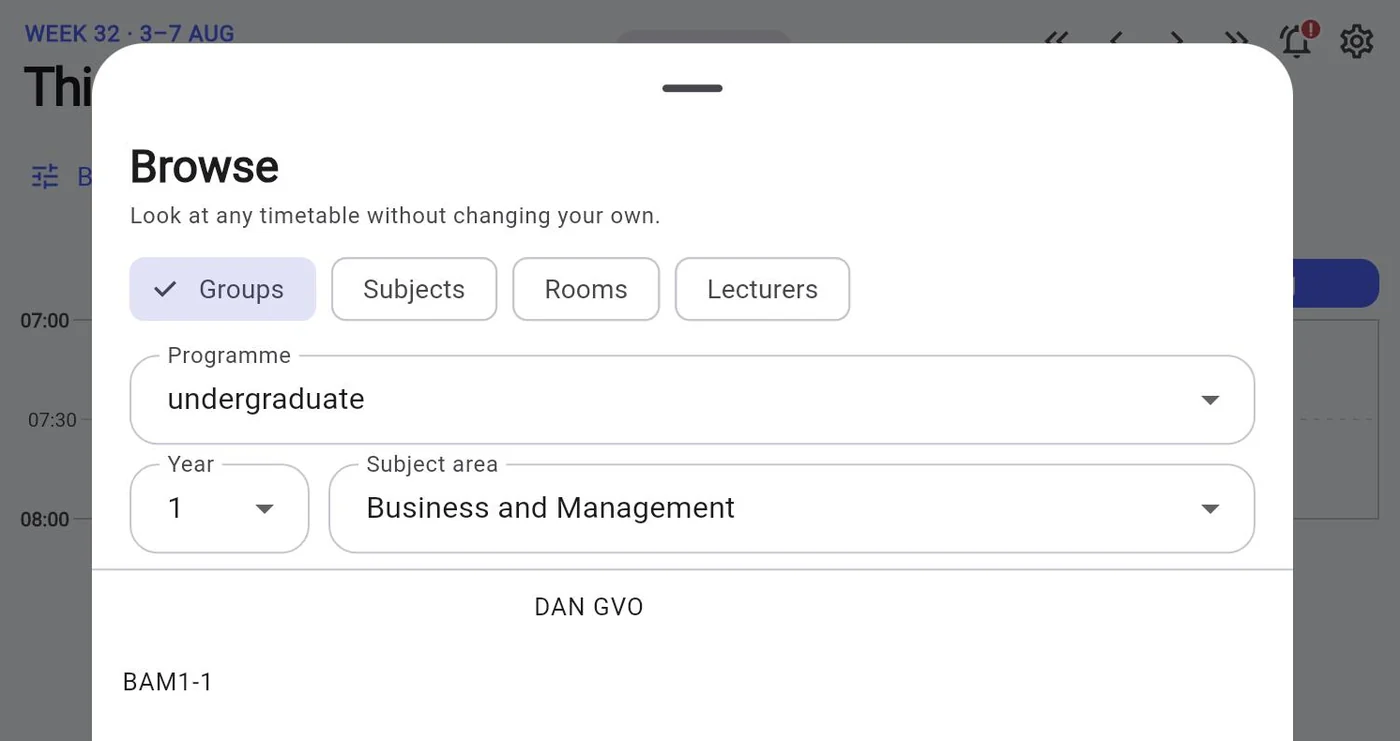
Browse Check a room, a lecturer, a subject or another group without changing what you follow.
Choosing a date in the Wise Timetable mobile app
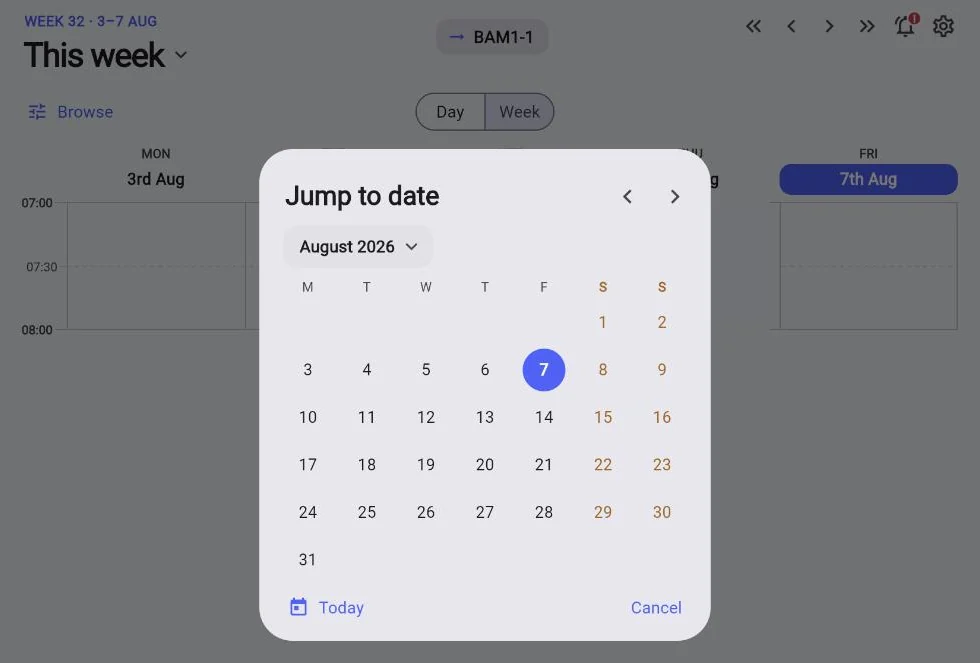
Jump to a date Any week of the year, two taps away.
Entering a school code on first launch of the Wise Timetable mobile app
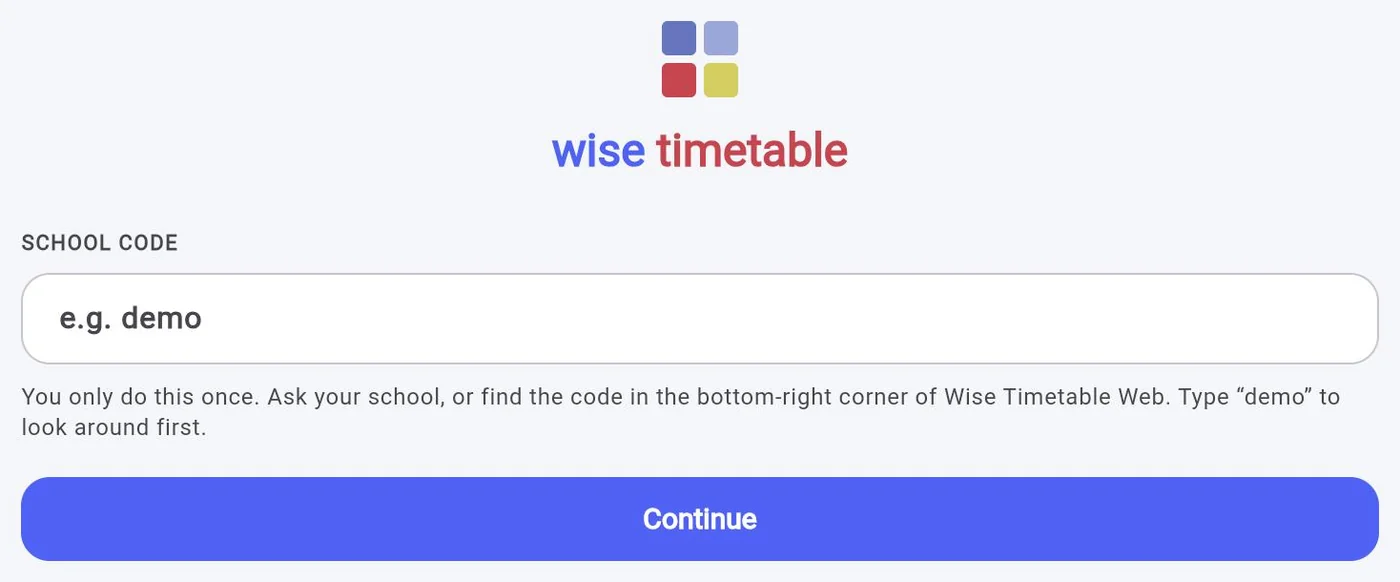
A school code, not an account Done once per device. Nothing to remember afterwards.
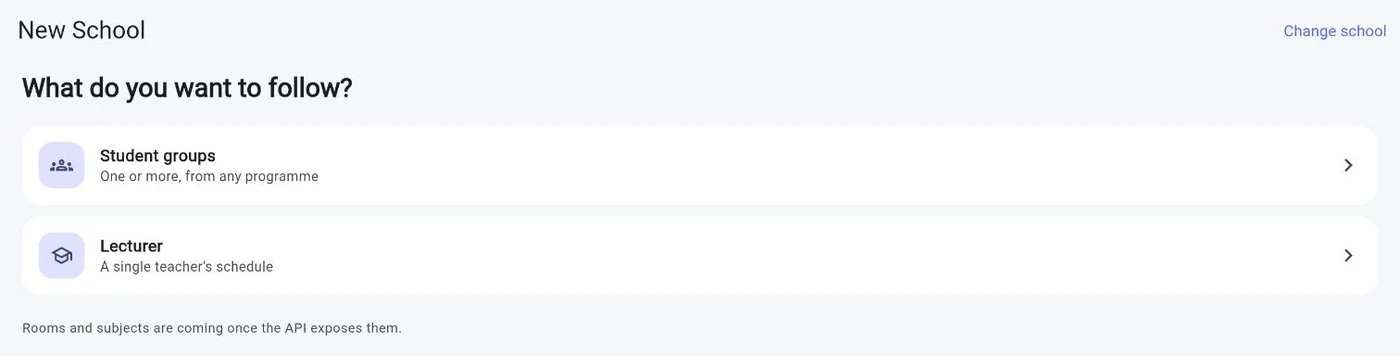
Choosing what to follow in the Wise Timetable mobile app
Follow groups or a lecturer Students follow their groups; lecturers follow their own schedule.
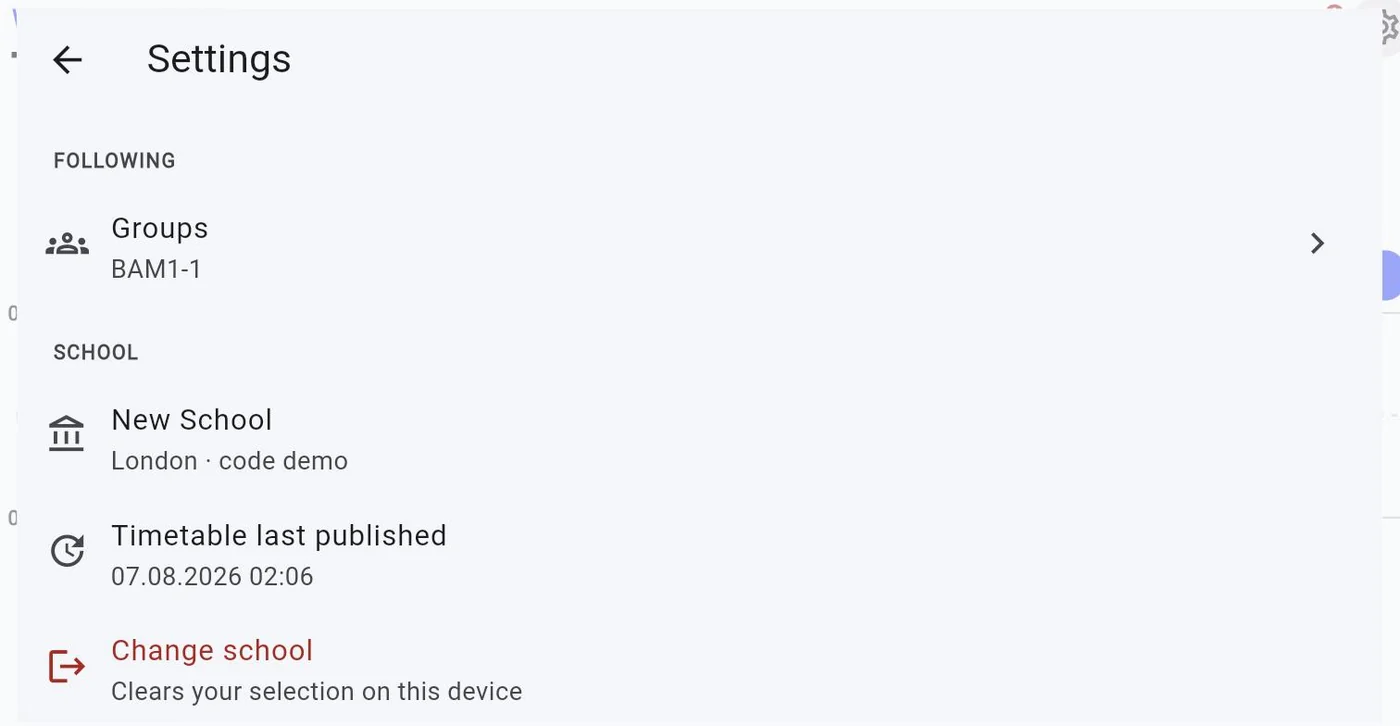
Settings screen of the Wise Timetable mobile app
Settings What you follow, your school, and when the timetable was last published.
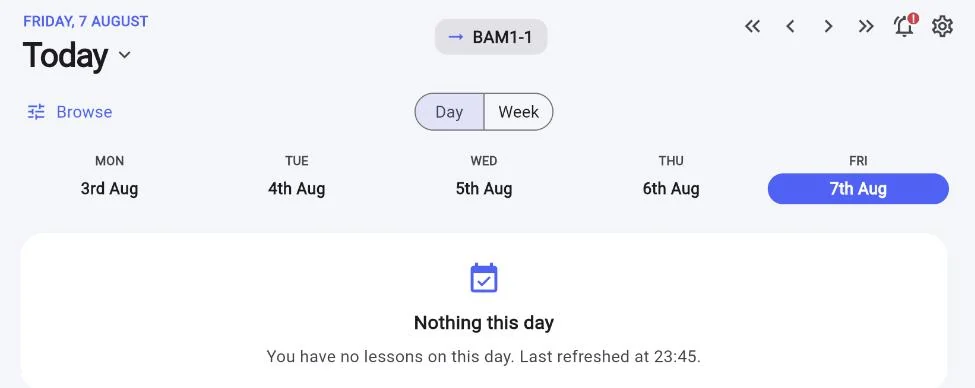
A day with no lessons in the Wise Timetable mobile app
A free day, said plainly No lessons is an answer, not an empty screen — with the time of the last refresh.
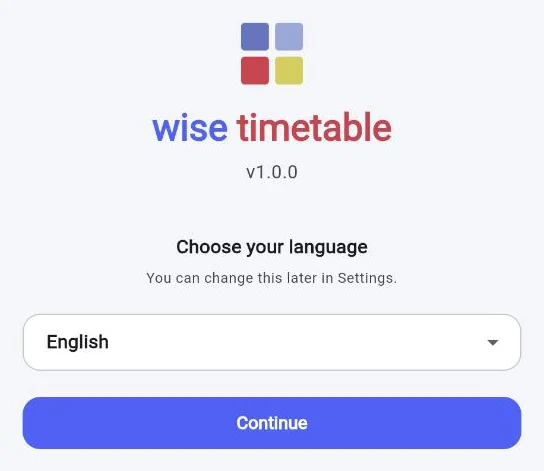
Choosing the language of the Wise Timetable mobile app
Your language Chosen on first launch, changeable at any time in Settings.

Info screens

One web address per screen, opened full-screen on a smart TV or a small PC. Several designs, light or dark, your own corner image — and rooms that do not fit rotate in pages.
Wise Timetable info screen in the flow design, listing finished, running and upcoming lessons by room
The flow The day as one list: finished lessons marked, running ones filling up with the time they have left, the next ones waiting in green with their start.
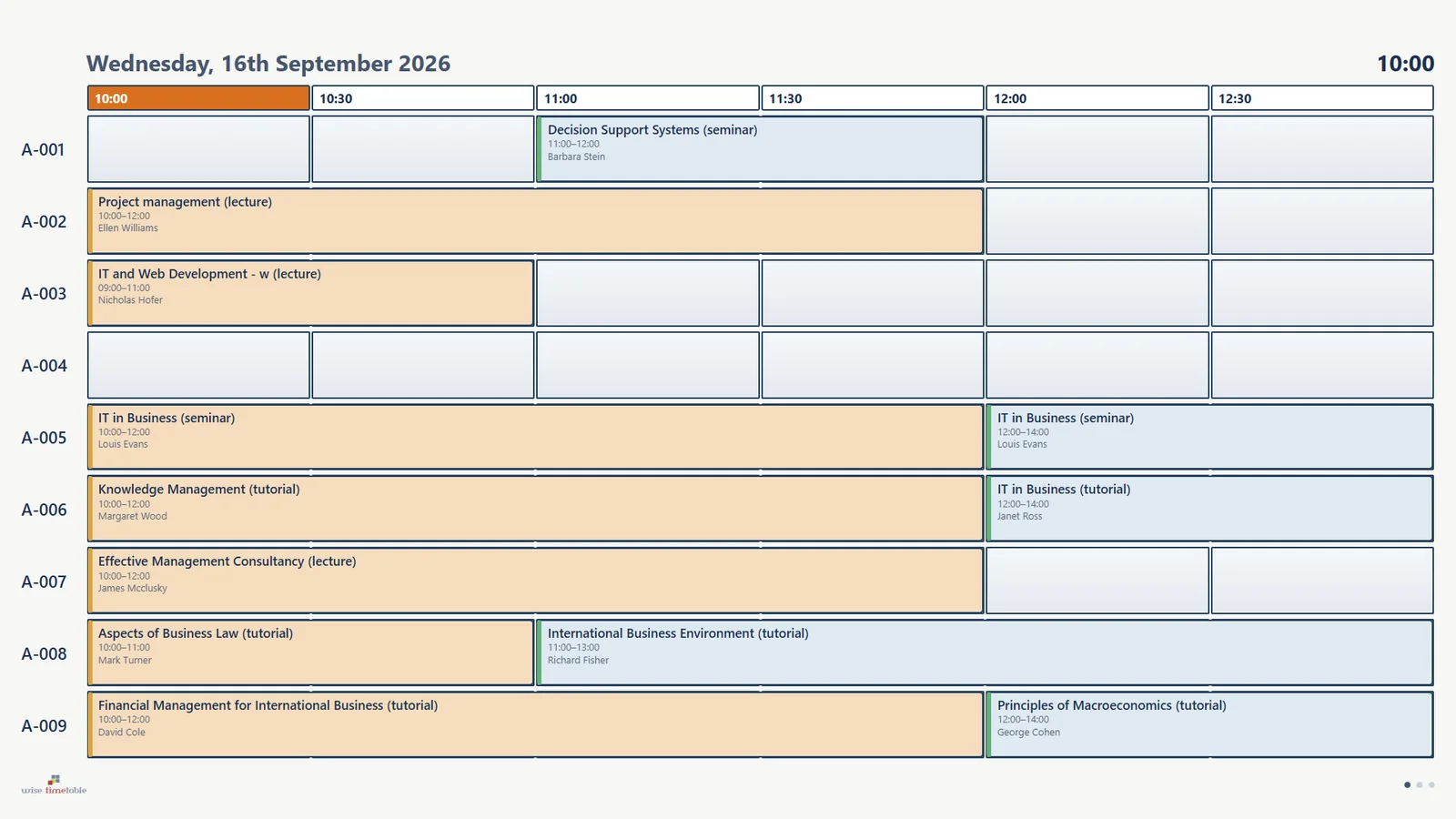
Wise Timetable info screen in the room matrix design, light theme
The room matrix Rooms down the side, the next hours across in half-hour cells. Light, for a corridor with daylight.
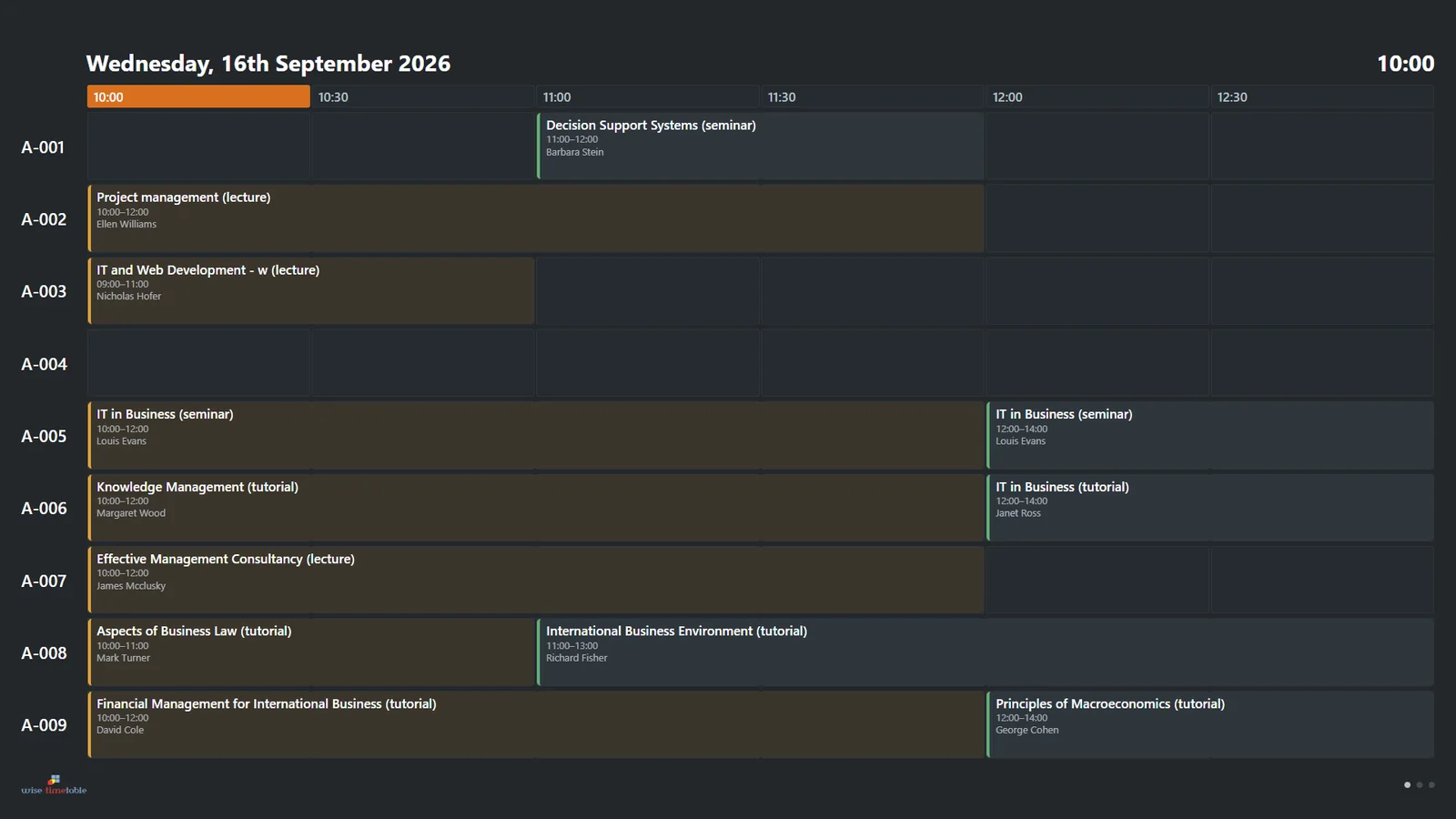
Wise Timetable info screen in the room matrix design, dark theme
The same matrix, dark Dark is the default: at night a screen is the brightest thing in the corridor.

See Wise Timetable on your own data

Book a 45-minute online presentation. We will walk through your institution's scheduling problem, show how Wise Timetable handles it, and answer anything your team wants to test.