Lecturers
Habilitation, profile and public list; absences and their cover, availability, my students.
Study and exams
Each subject has one syllabus and every version of it, from the first draft to the one in force. The subject’s holder or the student office writes a version, the senate reads and comments on it, and the decision the office records locks it and puts it on the school’s web page — always the newest approved version, at an address that never changes.
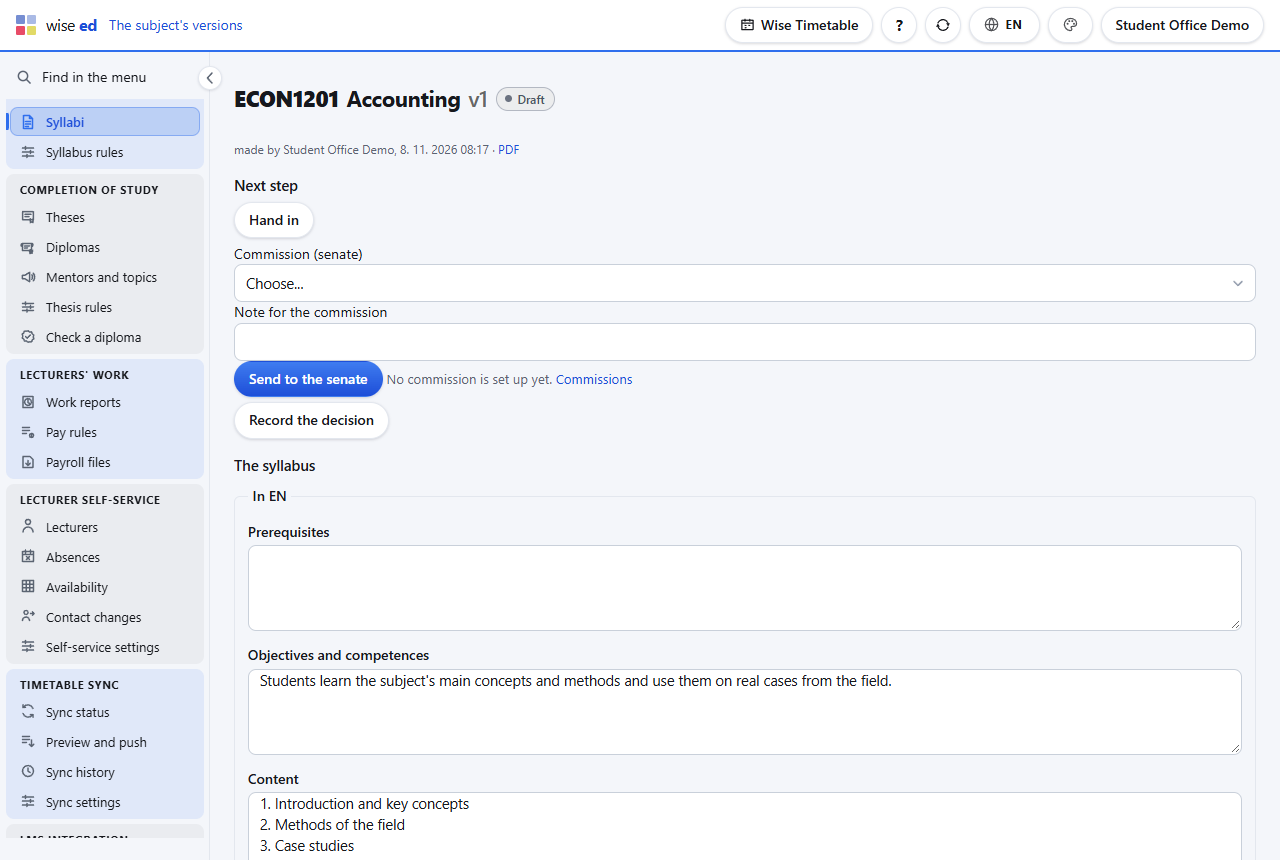
By the holder on My syllabi, or by the office. It starts as a copy of the approved one.
The holder marks it finished. It waits in the office’s work queue: send it to the senate.
The office sends it to the commission with a note. Members read and comment on their own page; the holder sees the comments and answers. A version kept too long (45 days by default) shows as late in the work queue.
Approved locks the version and puts it on the web. Return for changes sends it back with what is to be changed. The holder is told either way.
The subject’s address now shows the new version and its PDF; nobody changes a link.
No. Each subject’s address shows the newest approved version, and the list shows all of them. Link them once; a new approval reaches the web by itself. Add .pdf to the address for the PDF.
No. Attach the document to a version and choose that the web shows the original as it is. The fields can be filled in later, version by version.
Not in place — that is the point of approval. Make a new version from it, correct it and have it approved; the old one stays in the history, and the web shows the new one.
Yes, for the senate’s part: the senate is set up there once, as a commission with its members, and they read and comment on their own page. With lecturer self-service on as well, holders write their own syllabi on their web page.
Each module works on its own. These are the ones it does more with.
Habilitation, profile and public list; absences and their cover, availability, my students.
Direct and department messages, announcements, alerts and text messages.
Exam records, online grade entry, rules that say why, sign-off and the transcript.
Grades, assessment, materials, absences and the monthly report, on one web page.
Book an online presentation. We will walk through how your student office works today and show you the same job in Wise Ed — with your programmes, not a demonstration dataset.